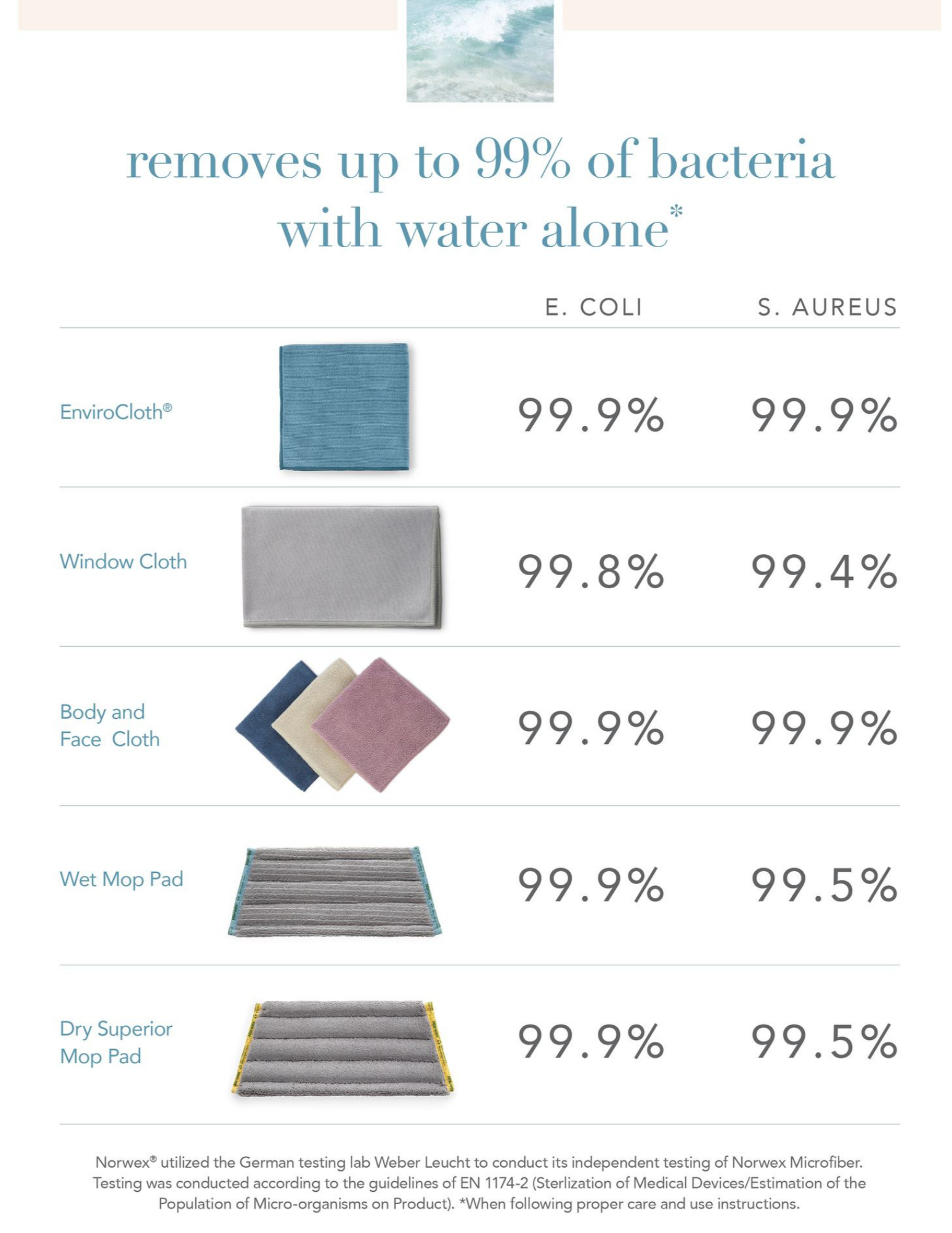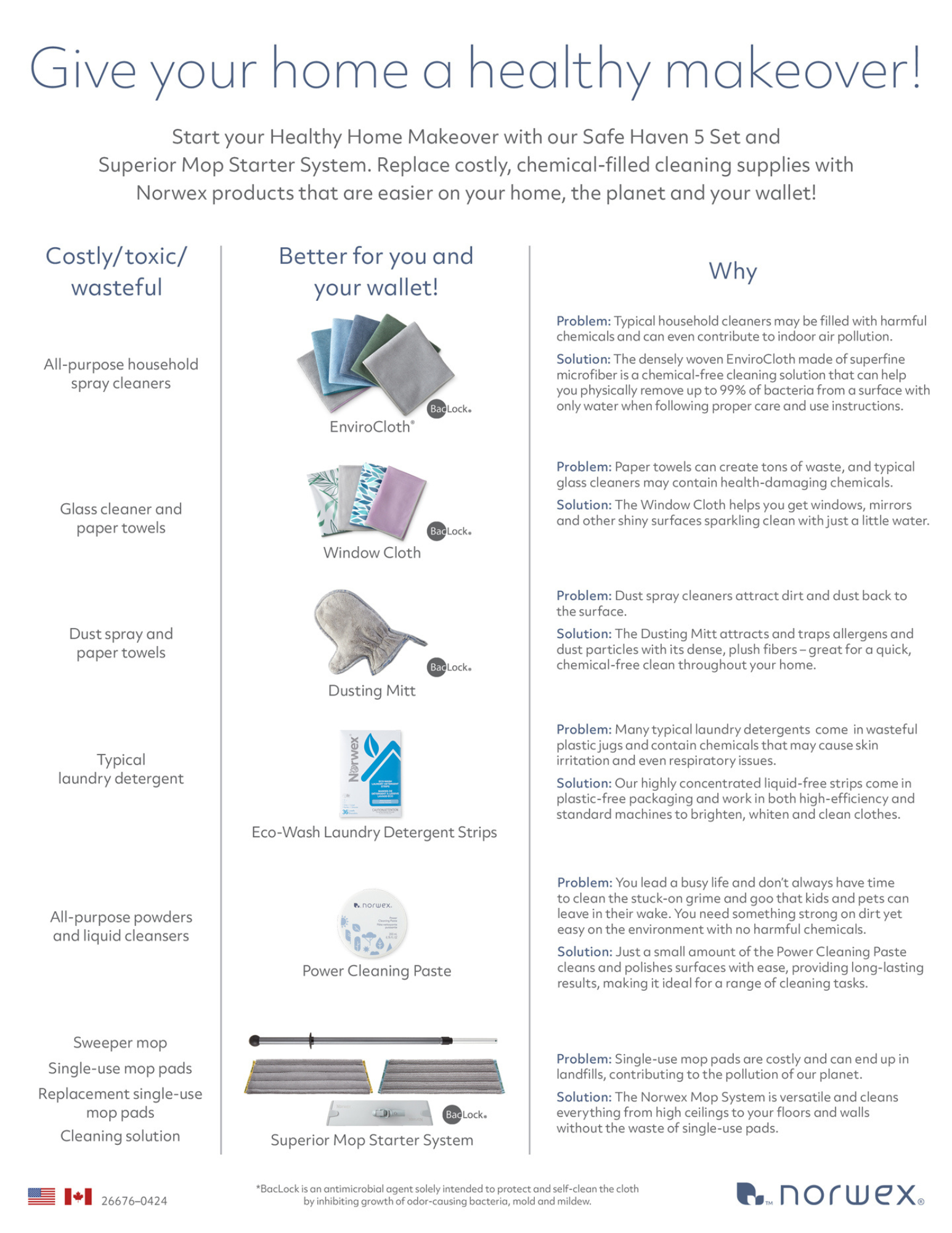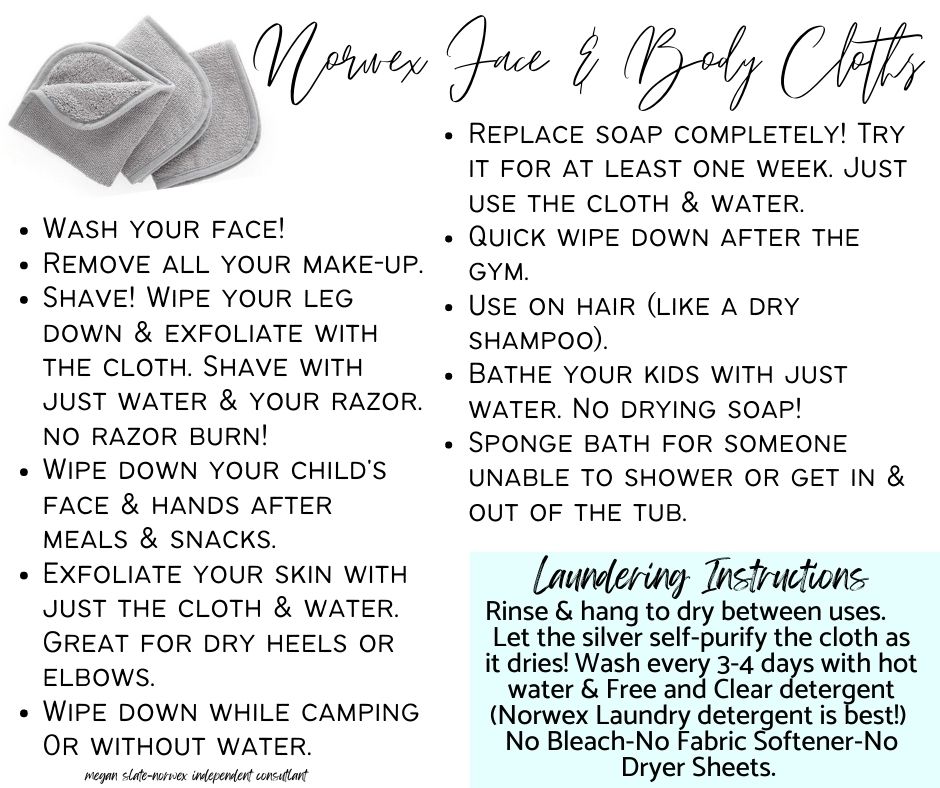
GUIDE OVERVIEW
This video walks you through this GUIDE...so you know what RESOURCES are HERE for you to use as you begin to Implement Systems into your Business. Have fun!
WATCH THIS 20 minute training with Sonya & Megan HERE!
Let's GOOOO!!
Youtube link to share: https://youtu.be/Tti_P7QRrpw
Let's Party!
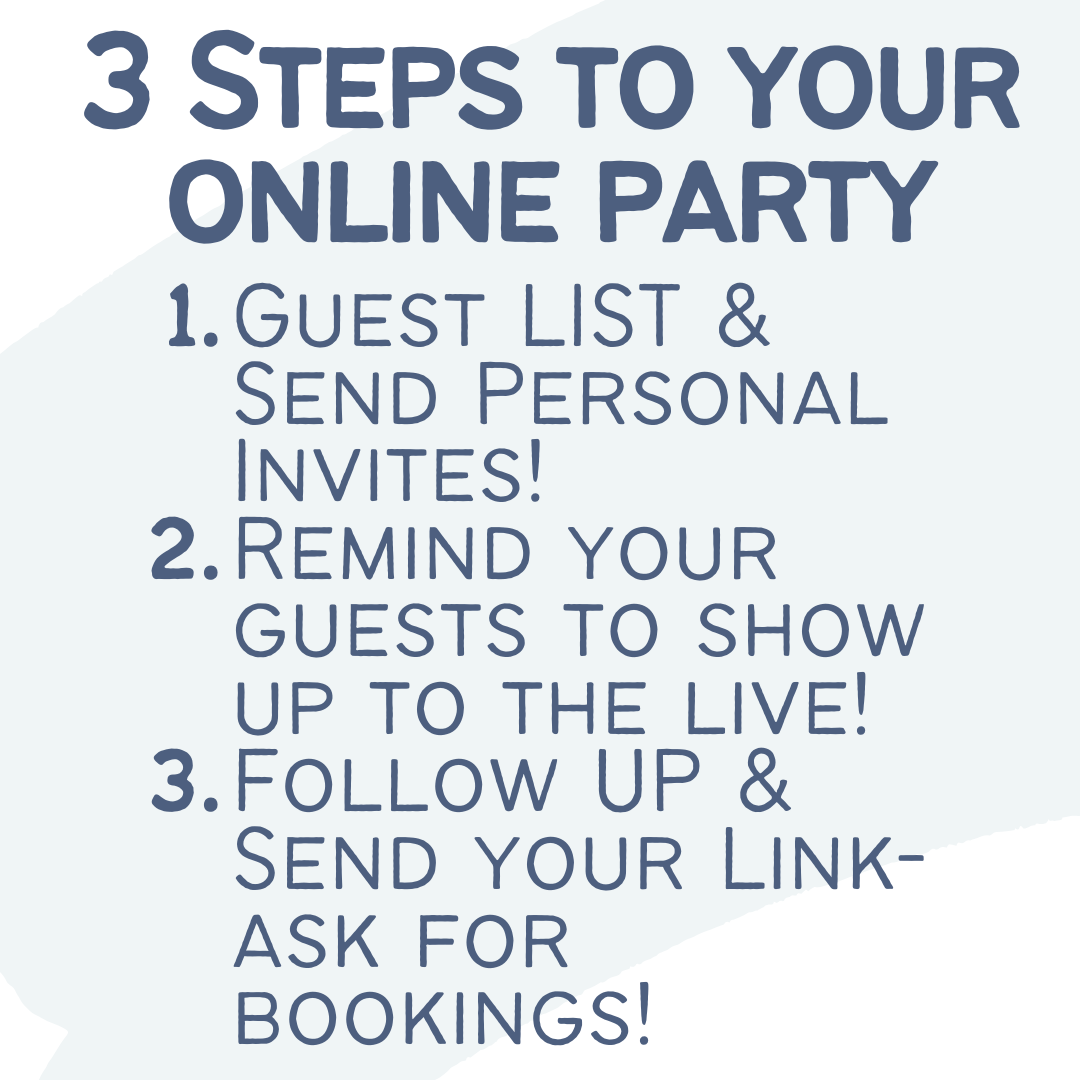
Online Parties are the best when you want to Party in you PJs with friends all across the country!
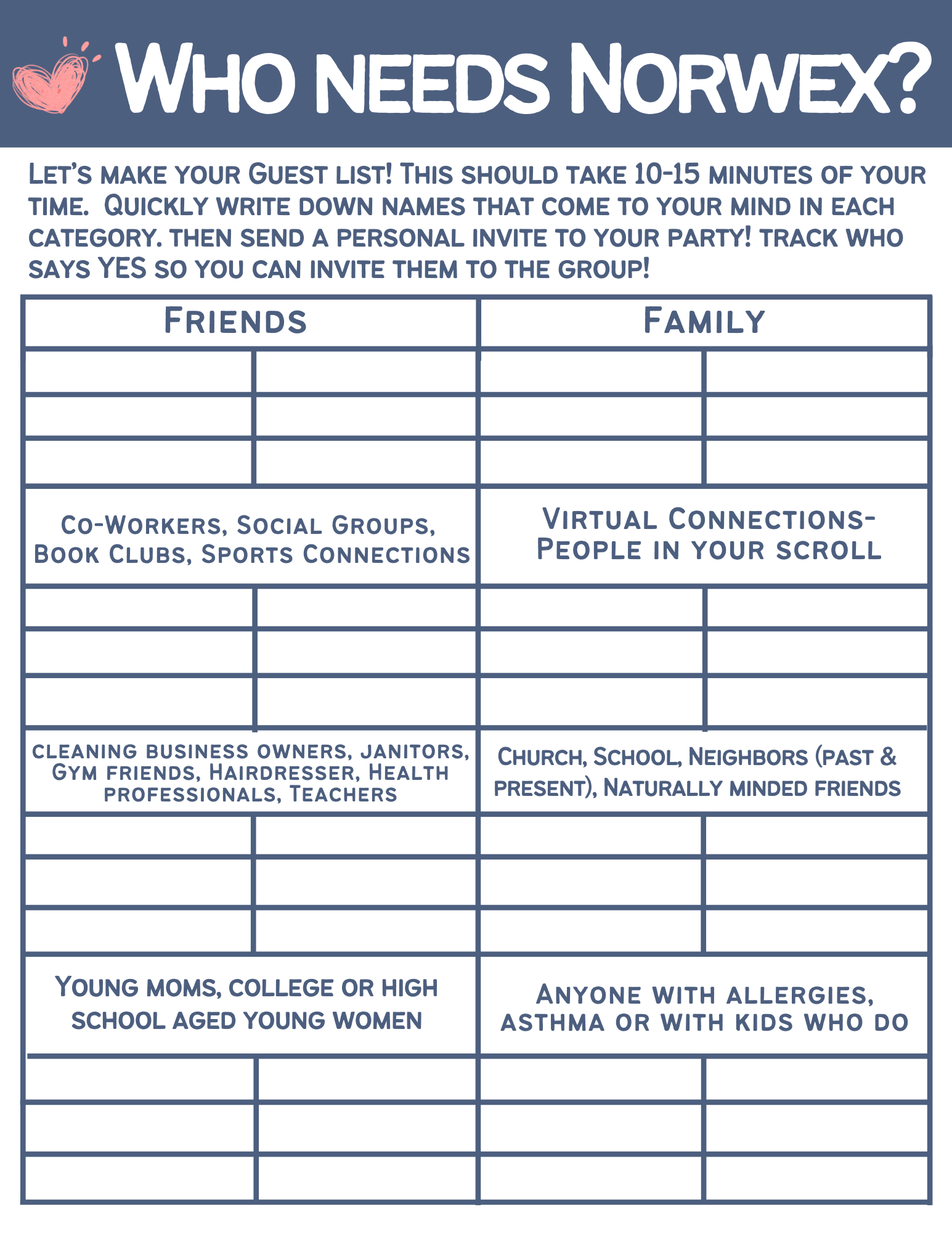
Reminder...FB Parties are just like home parties with the same goals...simply in a virtual format. Get to know people. DEMO for them. Teach them. Have FUN! Your goal is growth, influence, connection and a good time. Make it your goal to simply let ppl get to know you and your STORY (share your life).
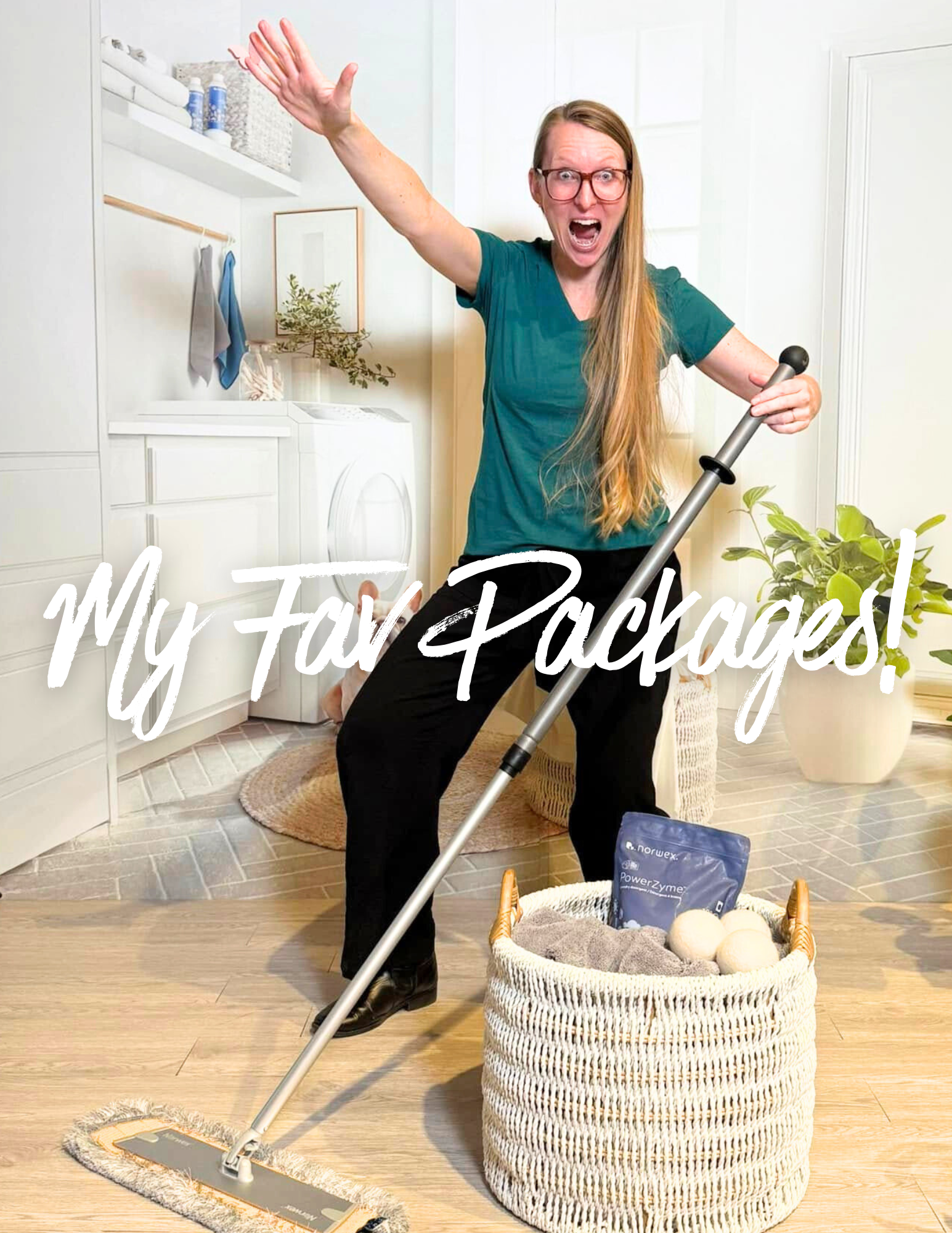
You MUST add your face to these templates. Where you see my (Megan Slate's face)...add yours. Take the TIME to do that. Your FACE, your story & your life is how you build TRUST. If you use this template without YOU...it's boring, its ineffective & people don't have the opportunity to know, like & trust you.
Your story and enthusiasm and experience is so important to add to this experience for your people. Keep it simple. But make sure it highlights YOU.
TO DO:
- Import the Safe Haven 5 Party Template using Post my Party.
- Edit EVERY POST to avoid all of us going to FB Jail!
- Example: Add ONE emoji. Add one word. Delete ONE word. Delete one emoji.
- Editing will take you about 1 hour of your time.
- Add links where appropriate or delete words referencing a link that you don't have or want to create (this is totally ok).
- This Template are scheduled for 8pm & you can adjust the time once you schedule the template to be the correct time for you Party.
- NOTE that the custom fields that look like this: [ ___ ] will AUTO-POPULATE once you schedule the template into a group. This saves you SO MUCH TIME.
- [Token1]= Party date and time
- [Token2]= Facebook Group link
- [Link]=Party/Event shopping Norwex Link
- [Host]=host's name
PMP TEMPLATE #1 (Beginner...NO LIVE):
- NO live (just a short demo video that's in the template for you ready to go)
- Reminder...EDIT this to fit YOU and your Goals....where you see my face..add YOUR FACE-this is essential to building connection & trust (a party without your face just doesn't work the same). Add your FACE!
-
This is a 3 day Party template
- OFFERS:
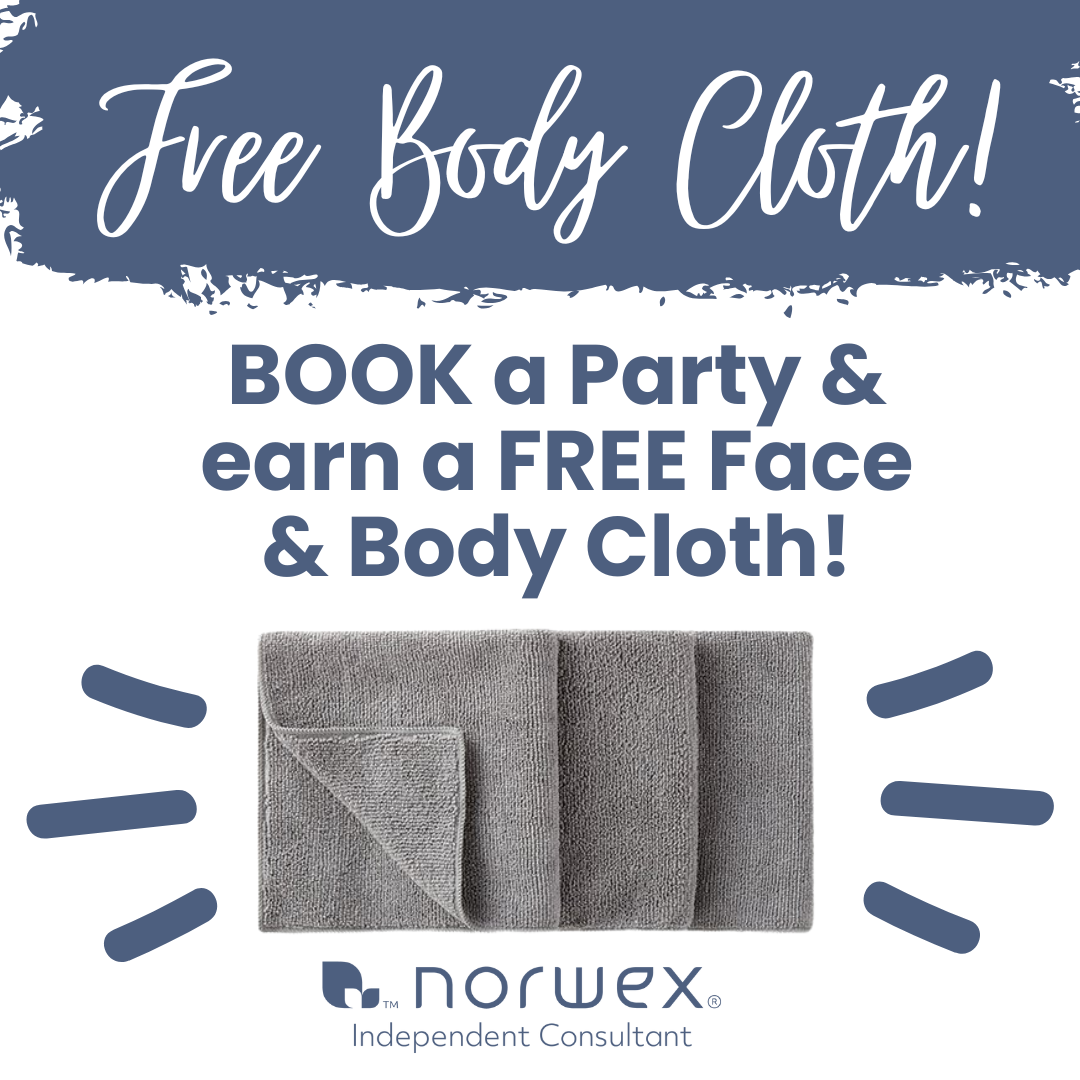
- Free Body cloth with a Booking
- Free Shipping @ 150 (turn this on in your Consultant Back Office under Profile and Settings, Office Suite, SHOP OFFERS). This comes from YOU as a special gift to your guests!
- ONE drawing for a surprise gift when group guests comment at least 5 times and tell you DONE in a 5 comment challenge Post.
- Party Night is Day #3-when you schedule this template, you will edit the time to fit your Party Time.
PMP Template #2: ADVANCED -MORE OFFERS...NO LIVE
https://newapp.postmyparty.com/shared-template?shareCode=59727CAF29D0424EA8196621AF6A841E
- NO LIVE
- 3 day template
- Party Night is day #3
- No free shipping or shop offers added (add or edit to include at any time)
- FREEBIES at 99 and with BUNDLES.
- Party template is at 8pm/change the time when you schedule the template into the FB group.
TEMPLATE #3: Beginner Template with LIVE DEMO:
https://newapp.postmyparty.com/shared-template?shareCode=58E0F1AA4E0C4B4E9CA2F6F771BD0630
- 3 day party
- free shipping @ 150
- 5 comment challenge surprise drawing.
- Party template is at 8pm/change the time when you schedule the template into the FB group.
- You will need to GO LIVE for your Live Demo or schedule your demo video (recorded from zoom or other format) with FB scheduler so it posts 7 minutes AFTER the party start time/check in
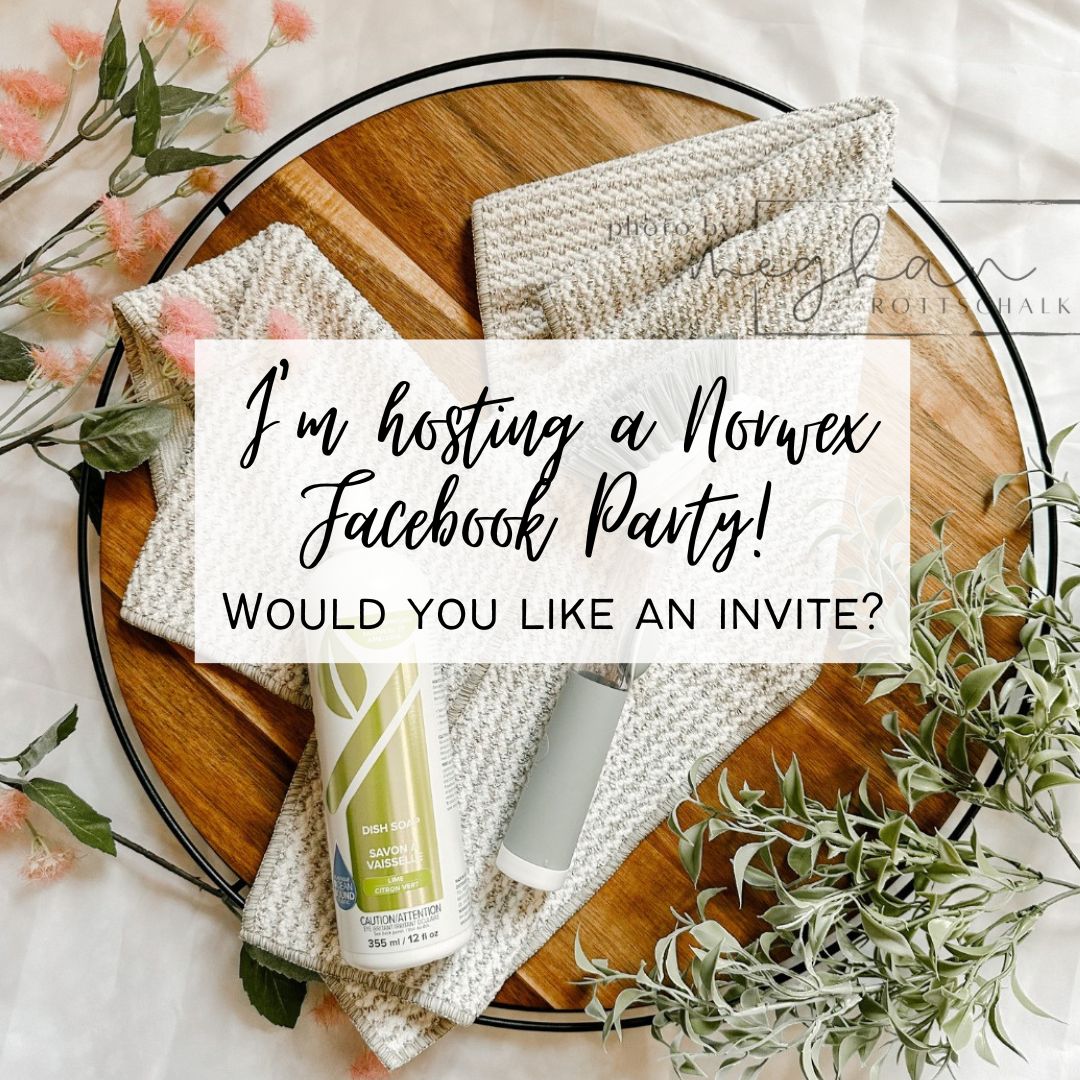
Canva Templates:
Advanced Shopping Bundle Graphics: https://www.canva.com/design/DAGv_Q4ZH0U/KPqwNudAyZtz3zk5PTA4wA/view?utm_content=DAGv_Q4ZH0U&utm_campaign=designshare&utm_medium=link&utm_source=publishsharelink&mode=preview
Beginner Shopping Bundle Graphics: https://www.canva.com/design/DAGvVd9t6rI/Ov8fWlvFvad9TSqe1rQWGA/view?utm_content=DAGvVd9t6rI&utm_campaign=designshare&utm_medium=link&utm_source=publishsharelink&mode=preview
FB Cover Photo Options: https://www.canva.com/design/DAE9KVYhPuk/y1K-veUrYHb8tg4OAW8j5A/view?utm_content=DAE9KVYhPuk&utm_campaign=designshare&utm_medium=link&utm_source=publishsharelink&mode=preview
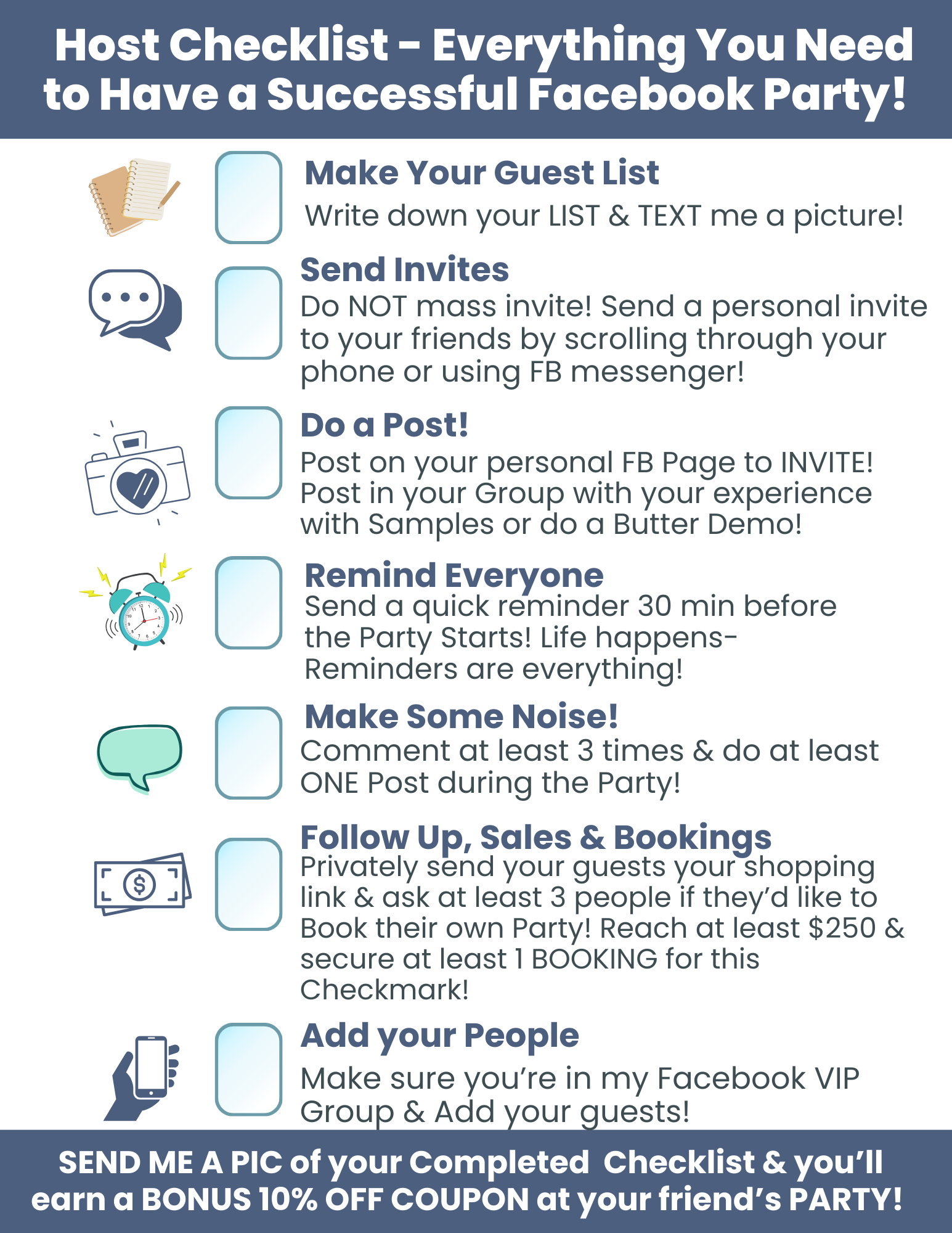
Host Checklist 700 options Blessss: (Amy Dabbelt original work) https://www.canva.com/design/DAGVnfzi_Xg/hhipSq9PlQvh-yqSR54jbg/view?utm_content=DAGVnfzi_Xg&utm_campaign=designshare&utm_medium=link&utm_source=publishsharelink&mode=preview
Free Body Cloth booking gift: https://www.canva.com/design/DAGhnqLL-1Q/UUwTfRx5DEuVNcbjpQBFCw/view?utm_content=DAGhnqLL-1Q&utm_campaign=designshare&utm_medium=link&utm_source=publishsharelink&mode=preview
Roll Call/Check in Post Options: https://www.canva.com/design/DAGPSM7c2rE/6PyeH0WPc29GqM_IBdmq0Q/view?utm_content=DAGPSM7c2rE&utm_campaign=designshare&utm_medium=link&utm_source=publishsharelink&mode=preview
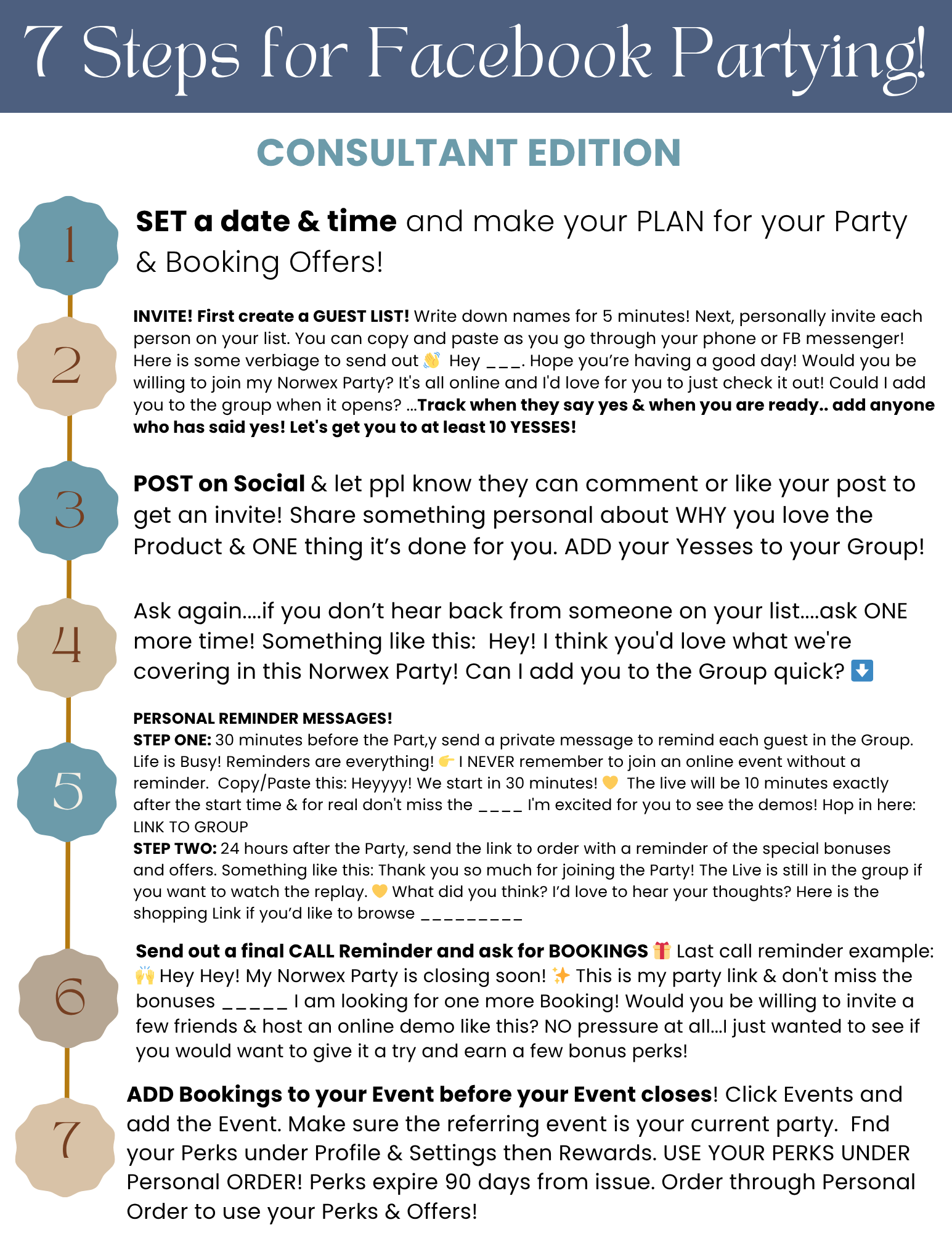
If you're hosting for YOURSELF as a CONSULTANT, here's a Guide for you!
HOW POST MY PARTY WORKS:
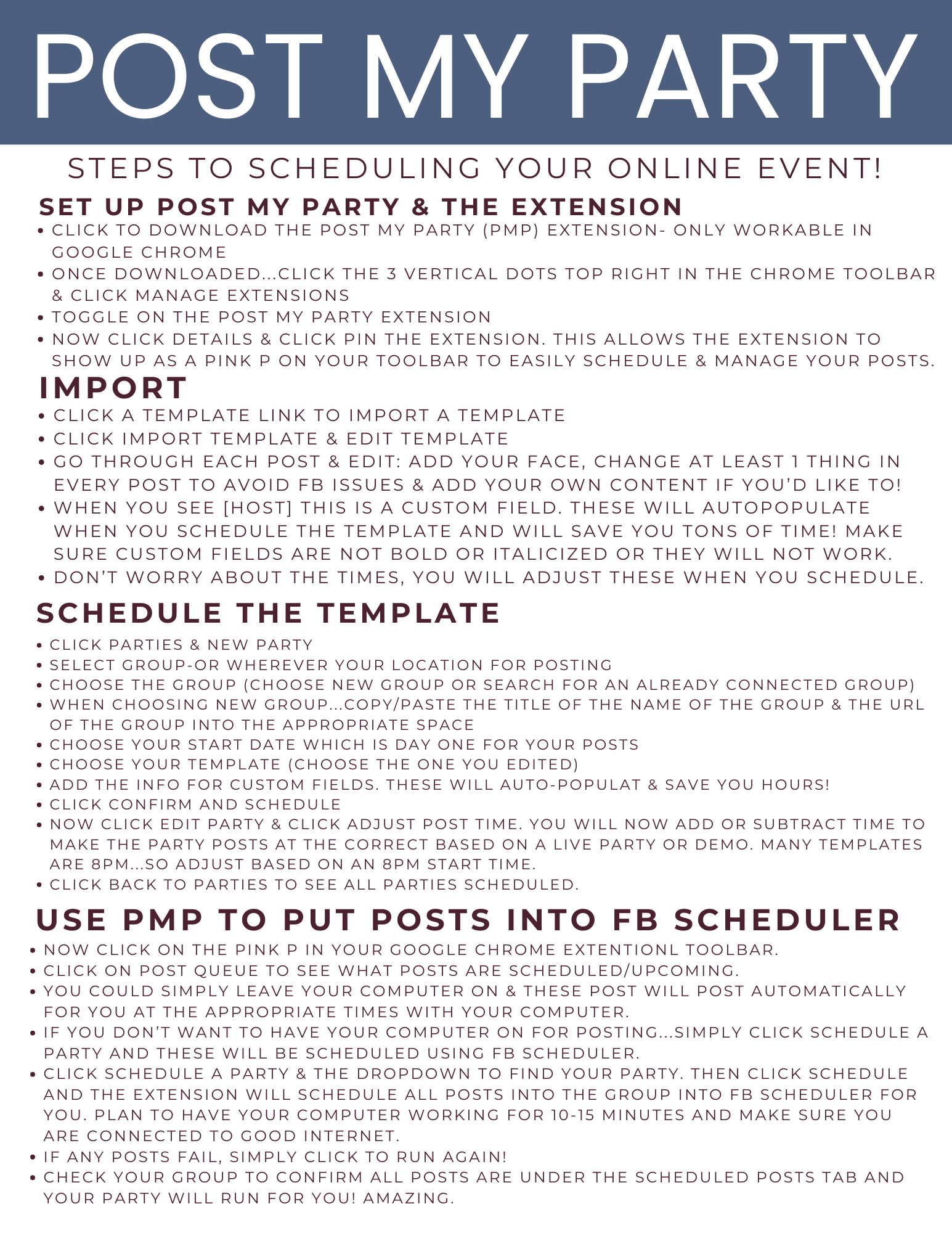
- Step #1: Import: https://youtu.be/Xj-gF0CNNg0
- Step #2: Edit: https://youtu.be/cx1gxiNxXAQ
- Step #3: Schedule the Party https://youtu.be/3LnrxGg-iSI
- Step #4: Schedule in MINUTES with FB Scheduler: https://youtu.be/ES-QOoK8g8k
- What to do when the Scheduler hacks misses posts: https://youtu.be/p5jgabTB0B4
STEP BY STEP GUIDE
STEP ONE TUTORIAL:
How to Import the PMP Template
(1 minute)
STEP TWO TUTORIAL:
HOW TO EDIT THE PMP TEMPLATE
10 minutes
STEP THREE TUTORIAL:
Scheduling your FB Party
6 minutes
STEP FOUR TUTORIAL:
USING the NEW Scheduler HACK to Instantly Schedule your FB PARTY!
2 minutes
STEP FIVE TUTORIAL:
Trouble shooting when the New Scheduler doesn't work & Posts fail to schedule. (1 min)
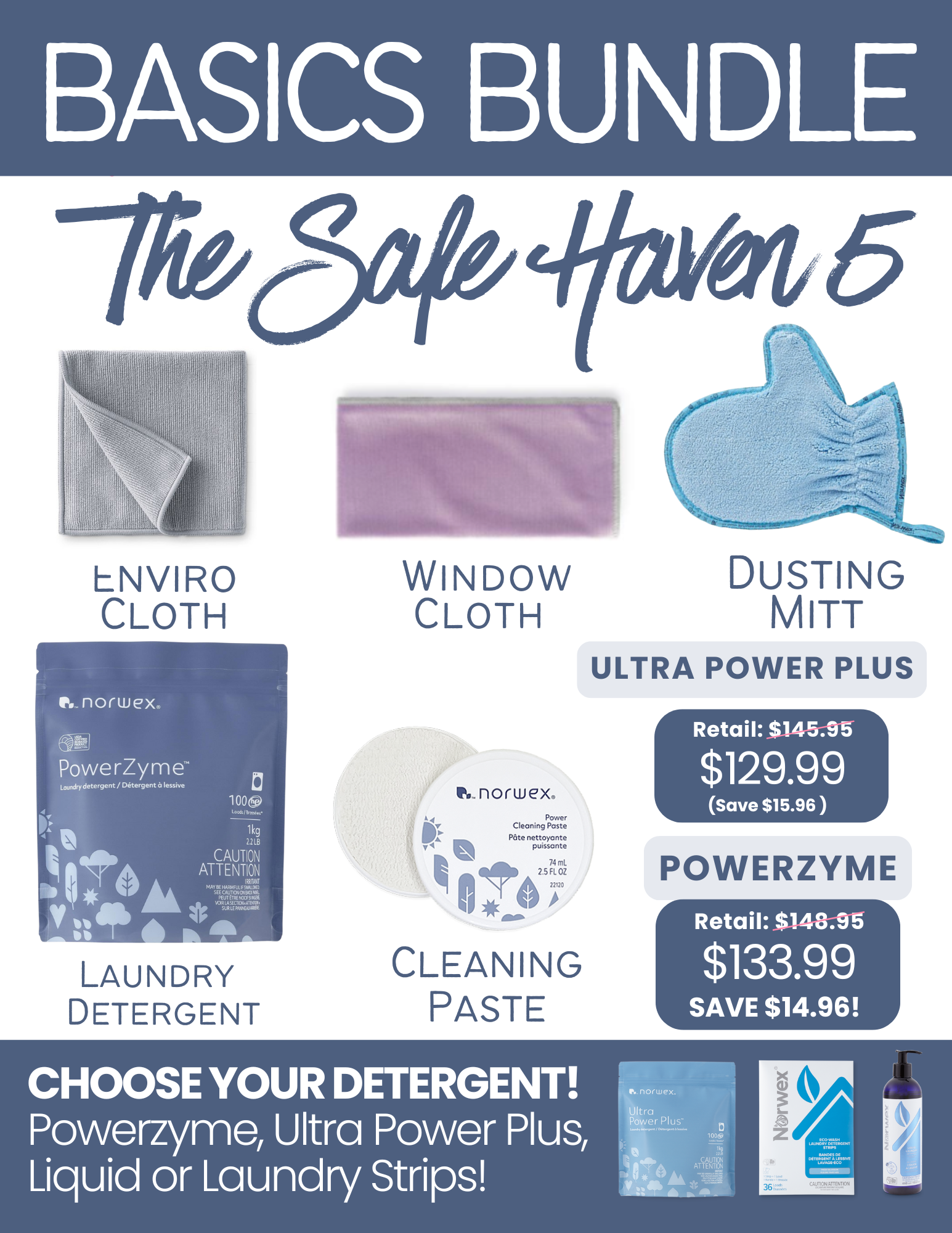
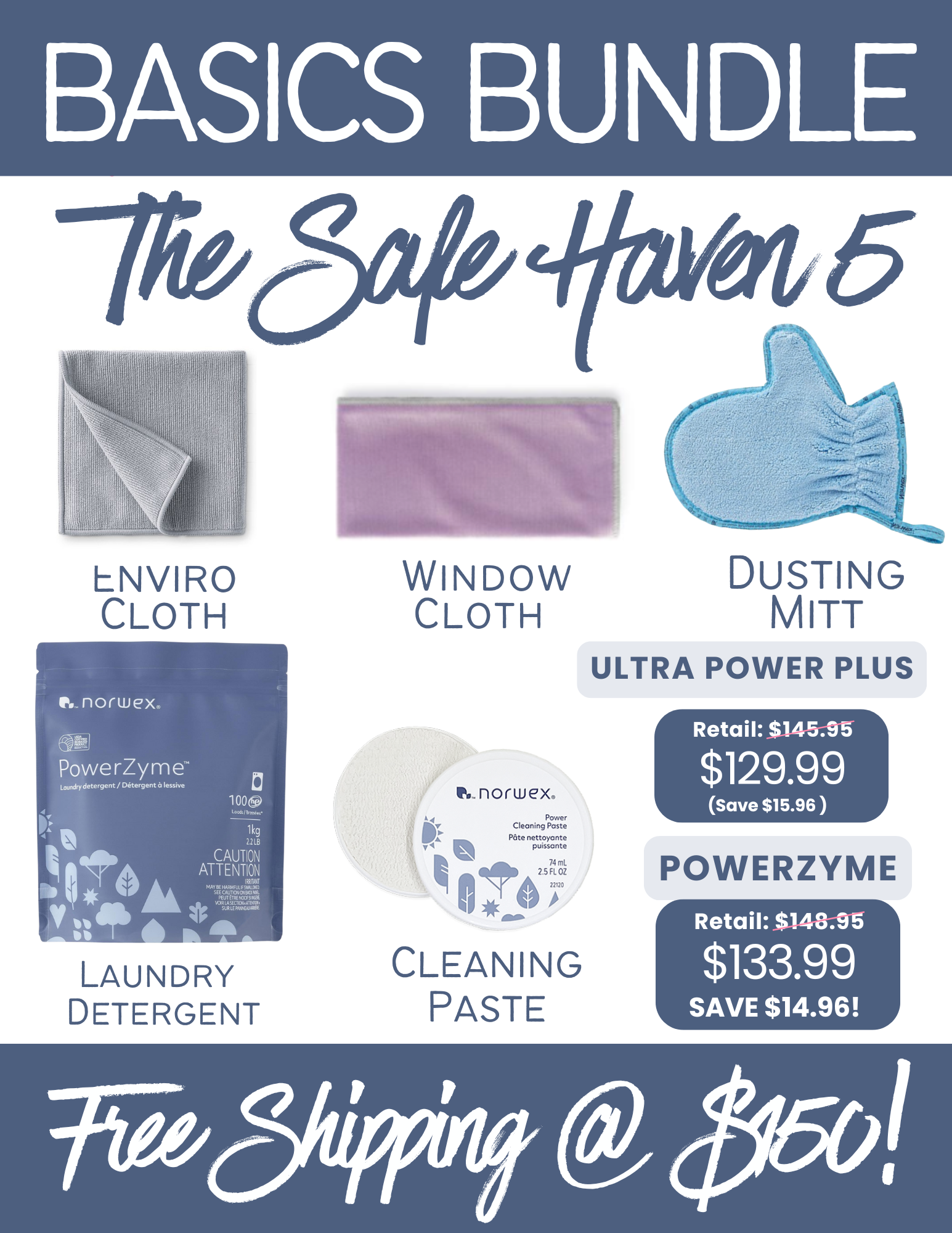
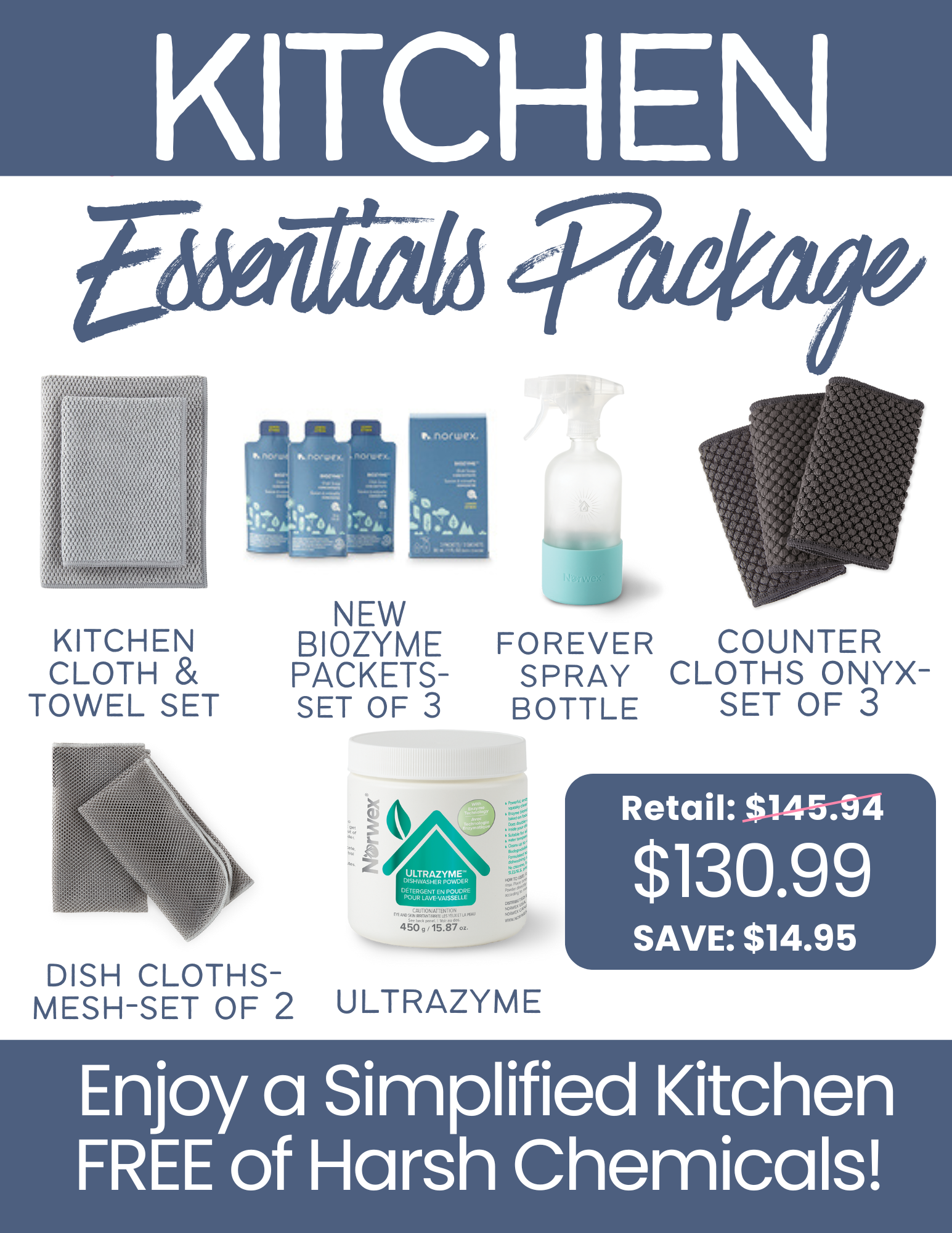
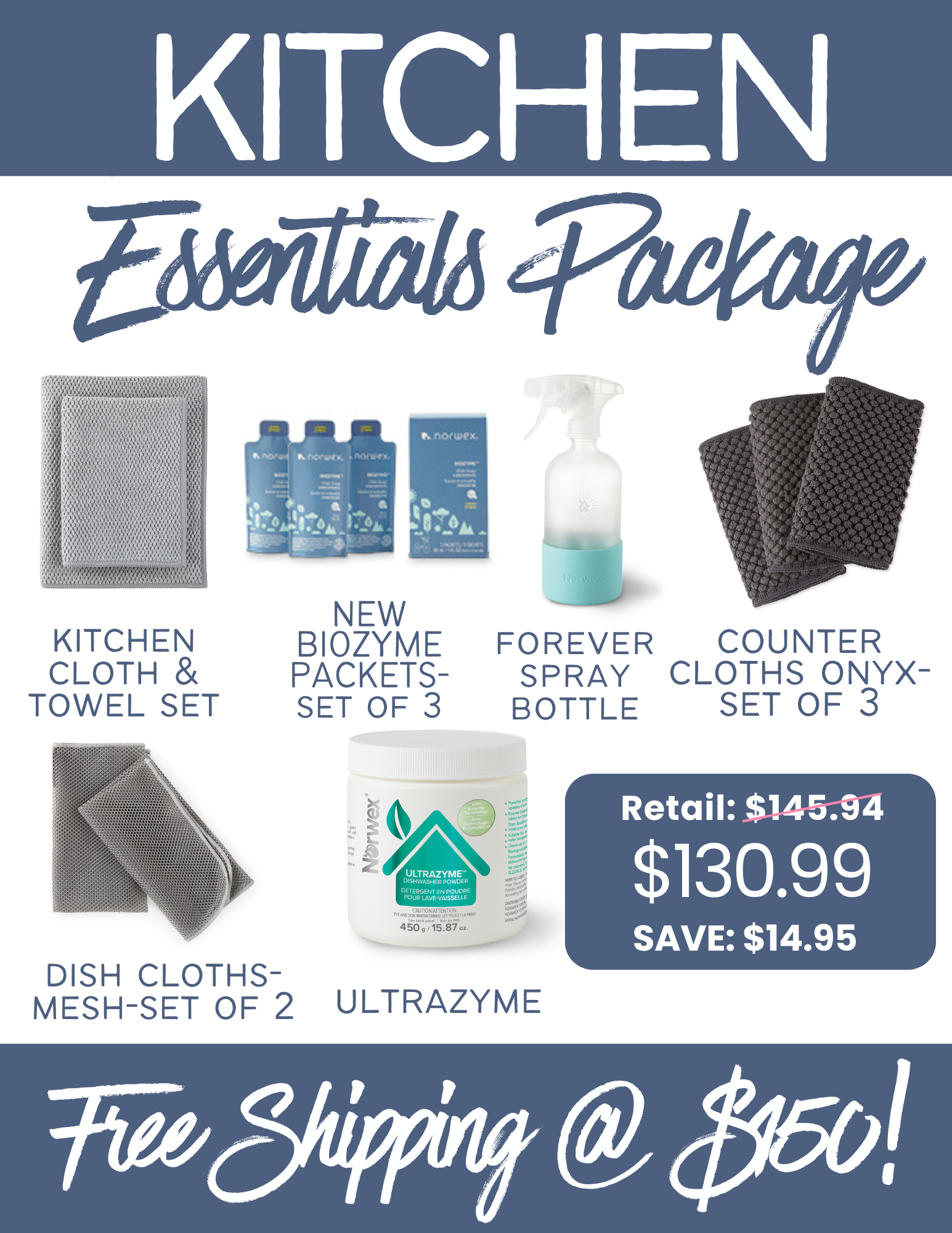
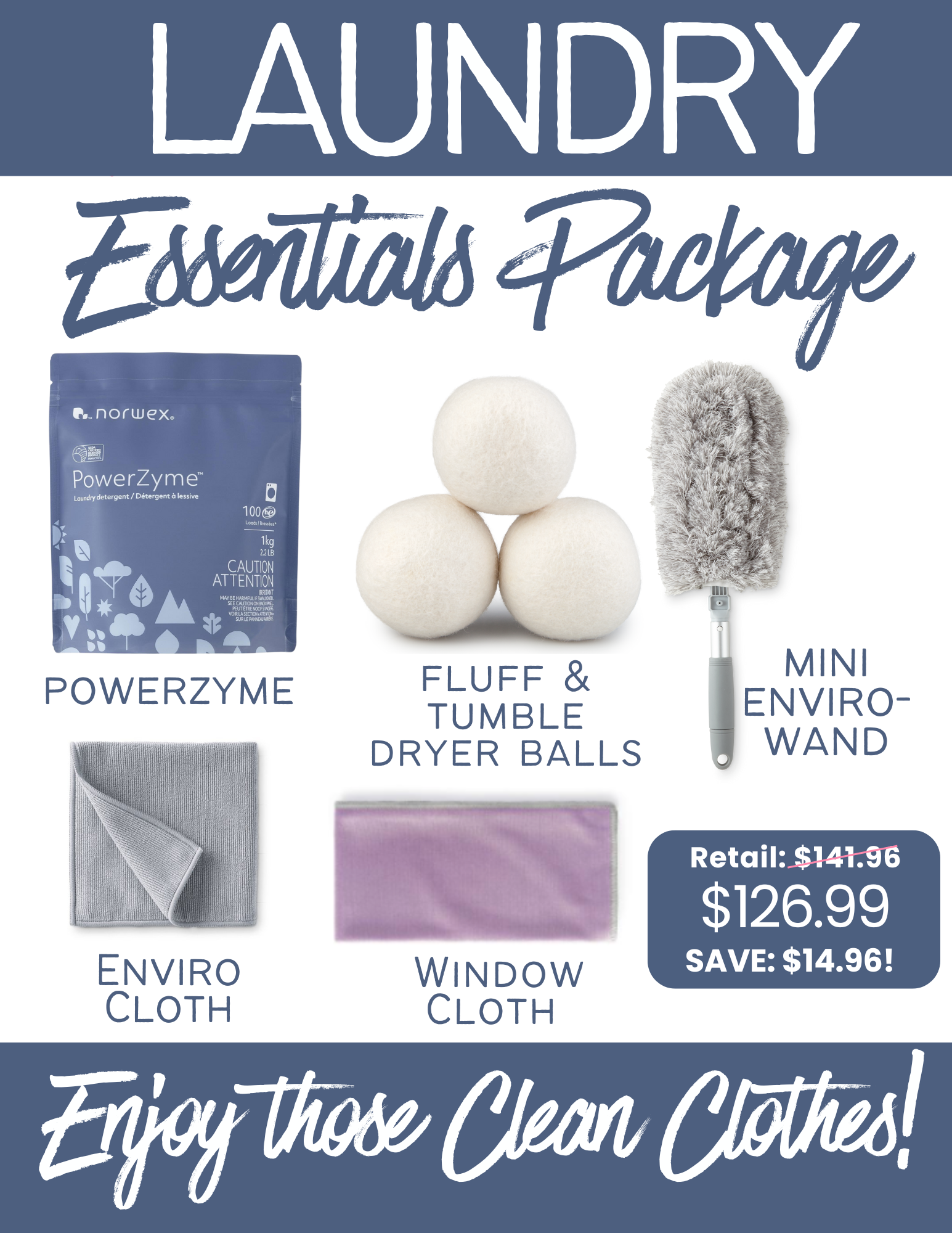
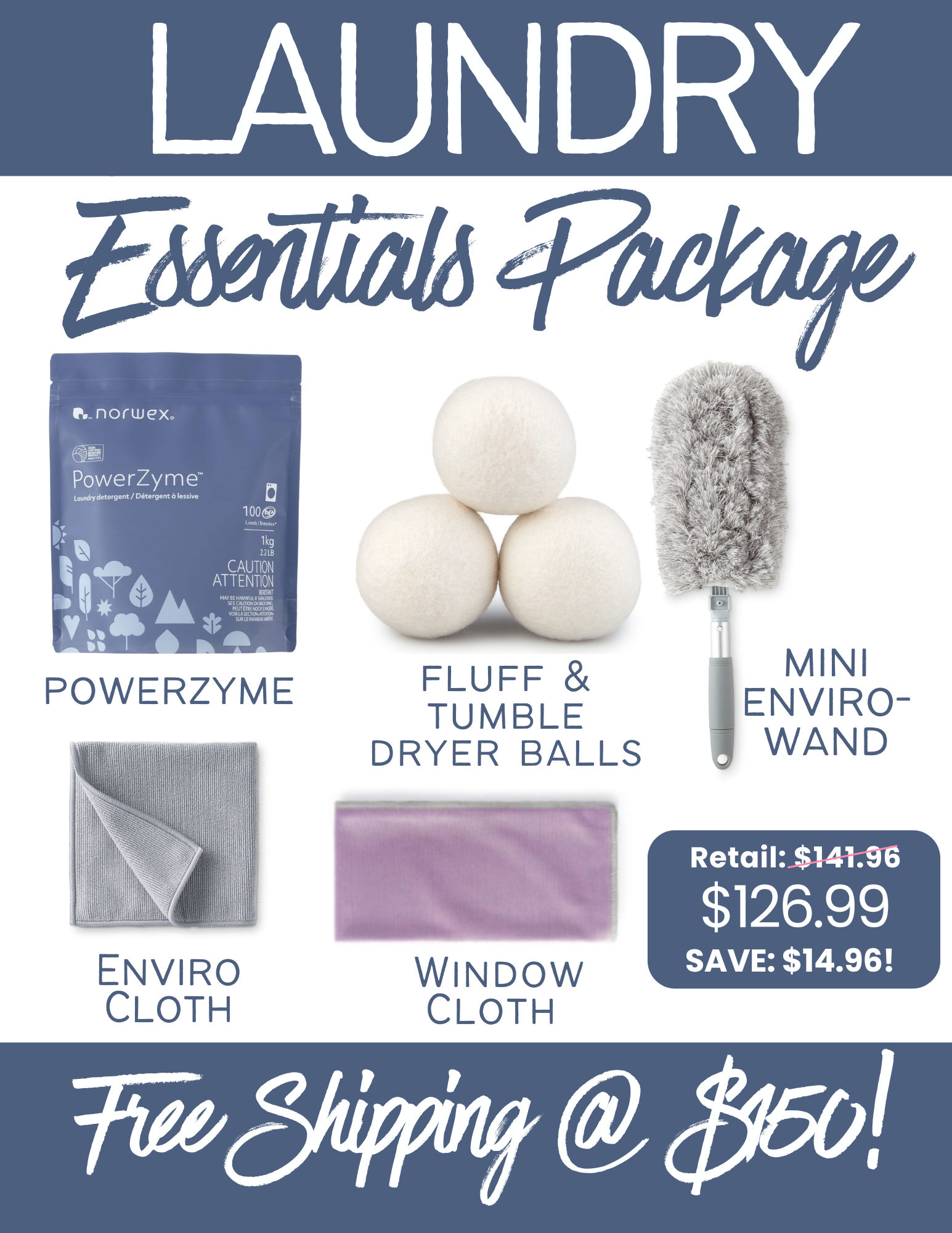
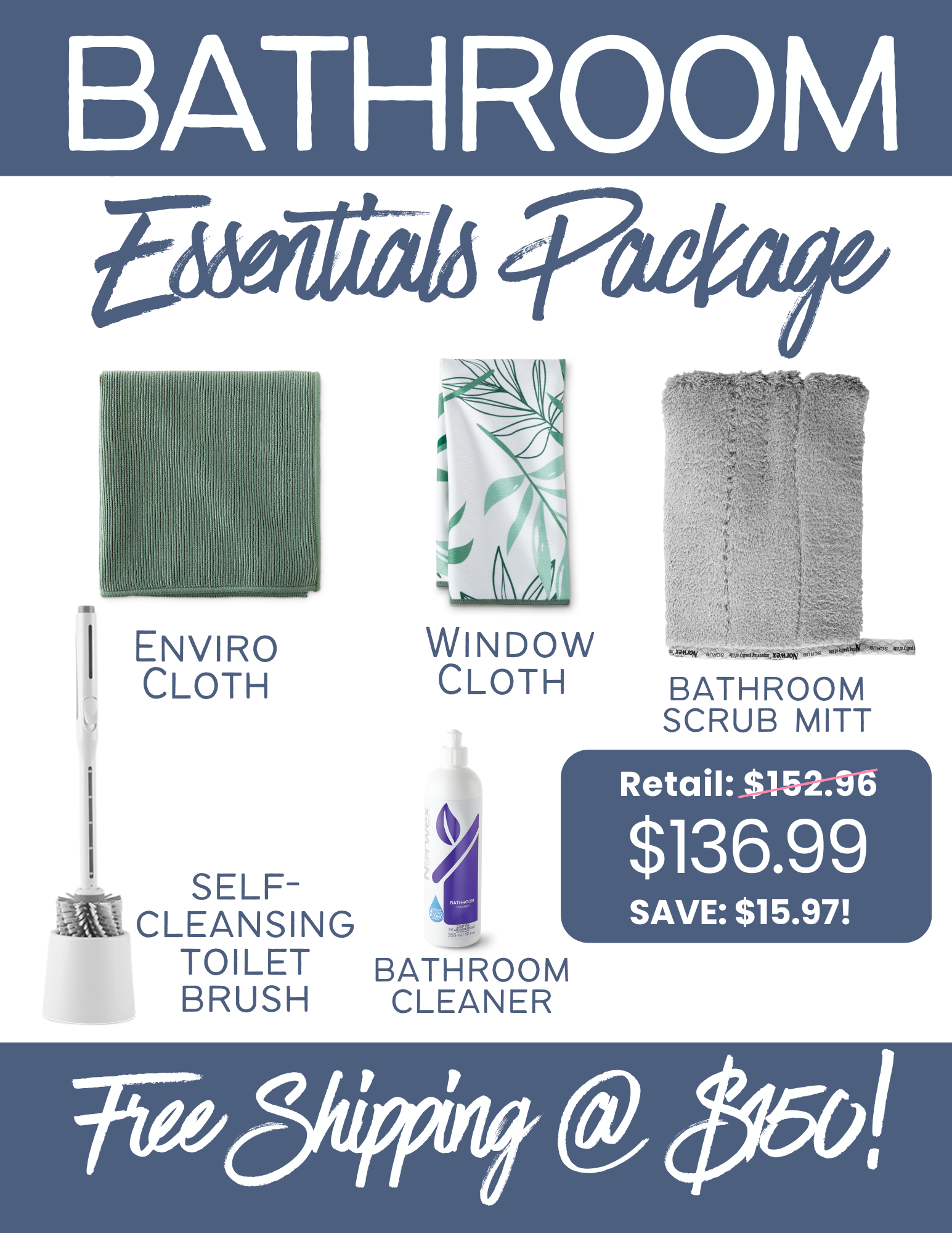
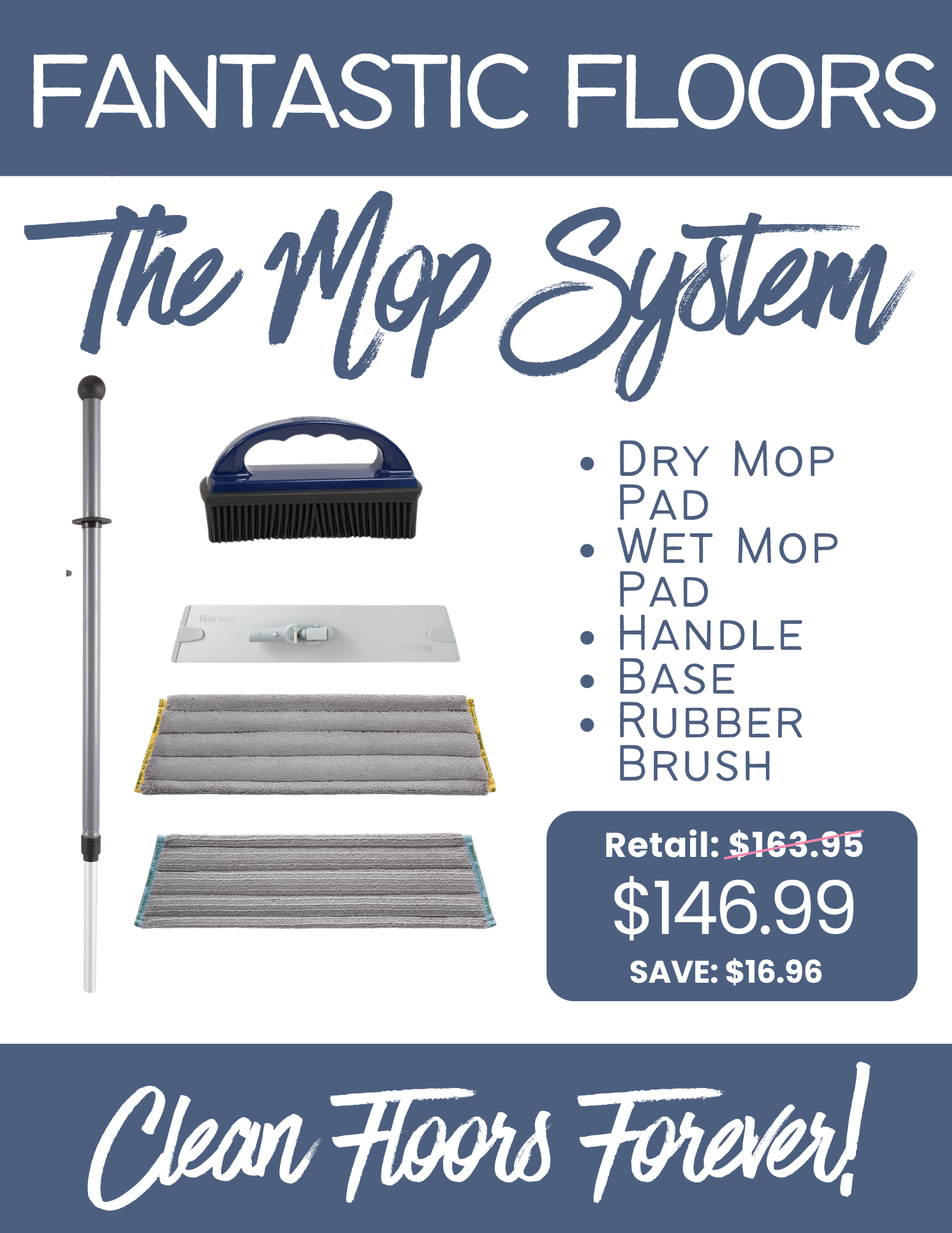
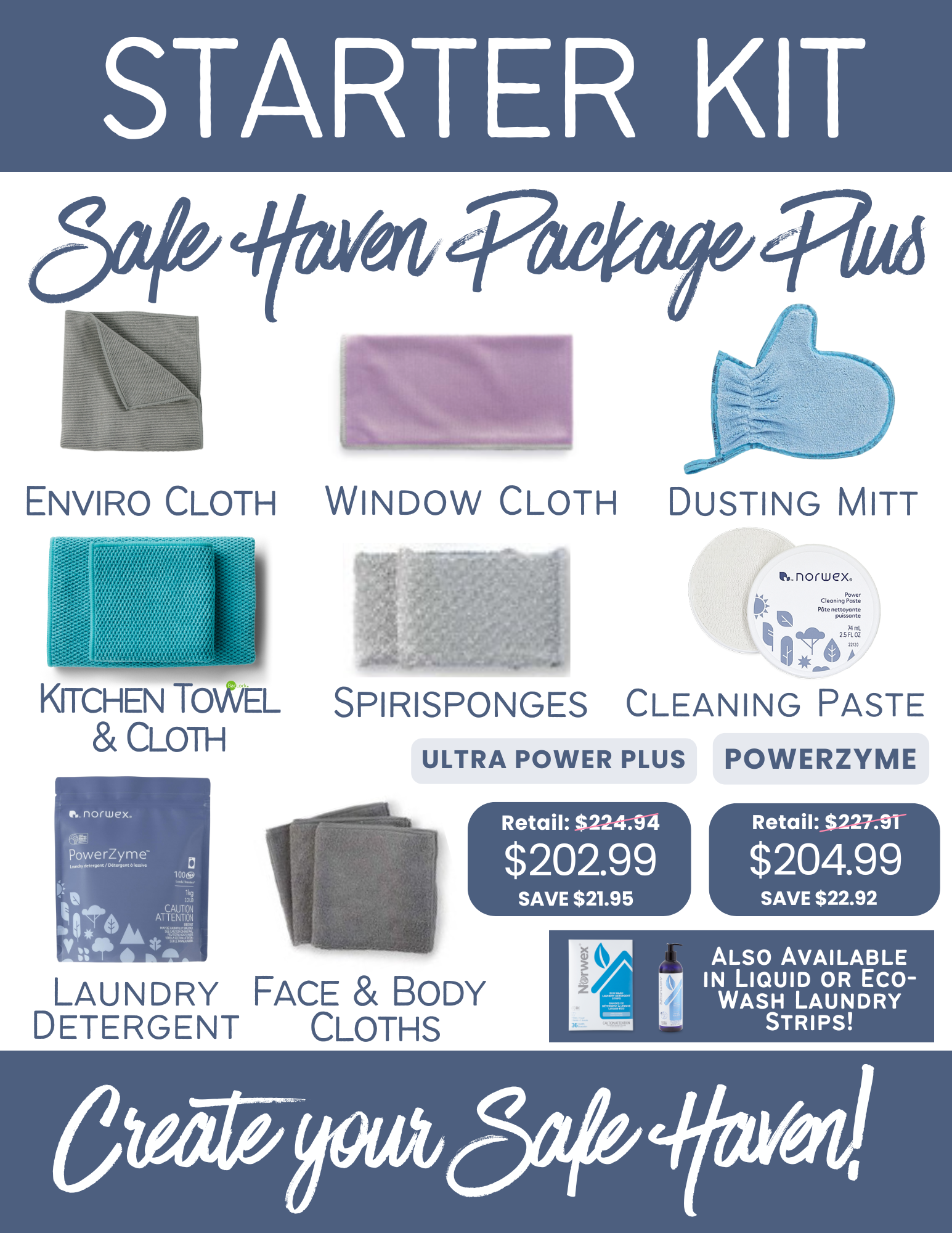
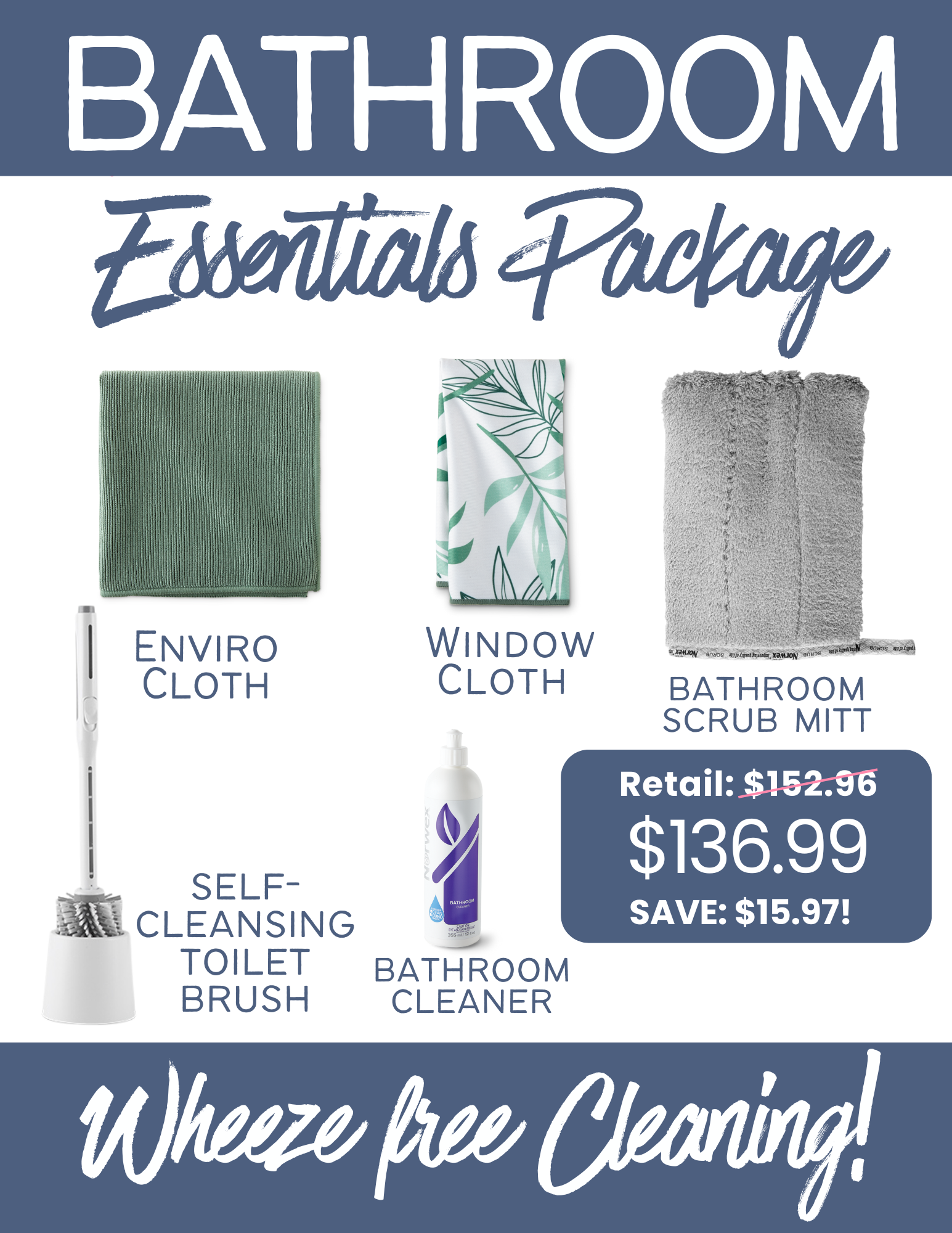
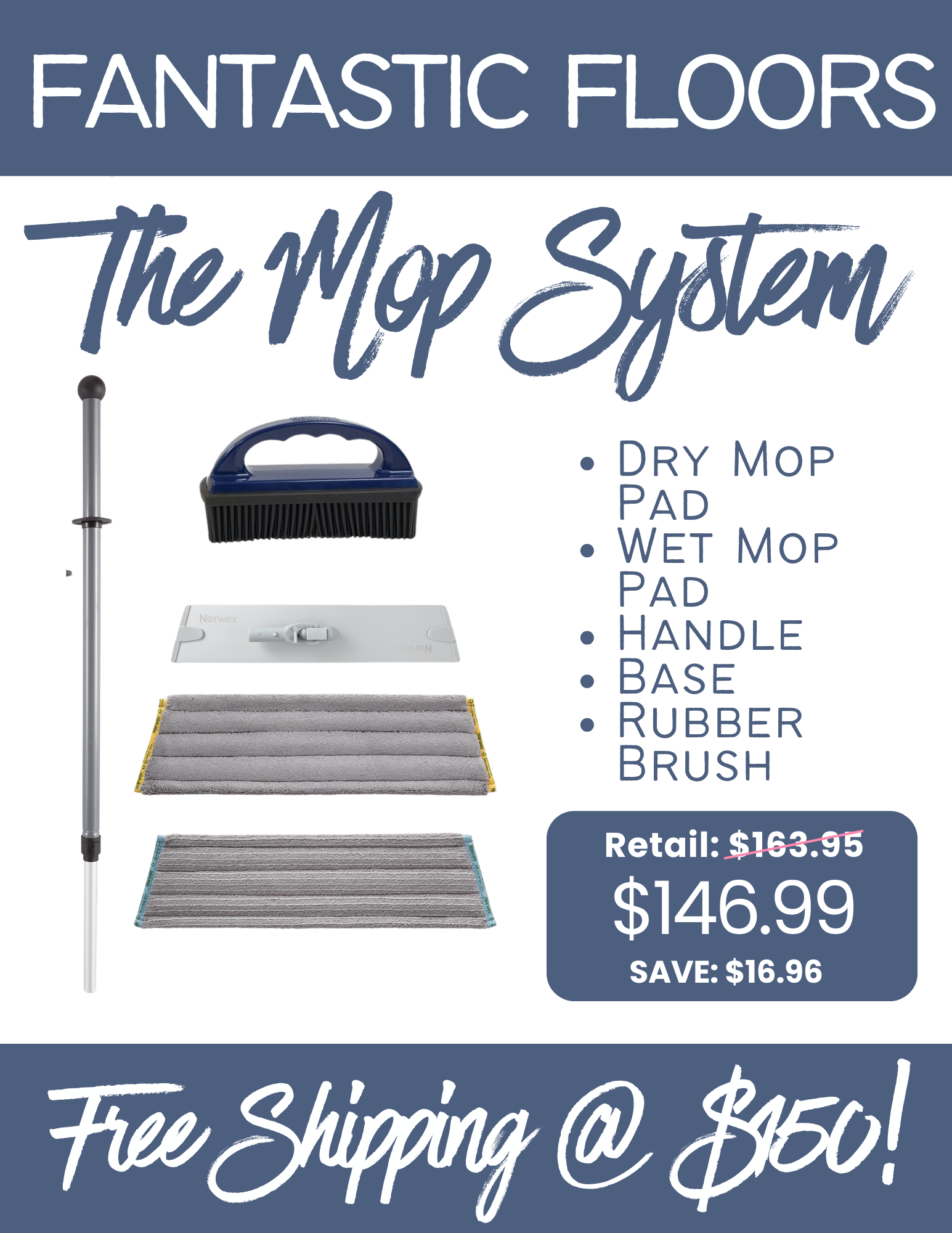
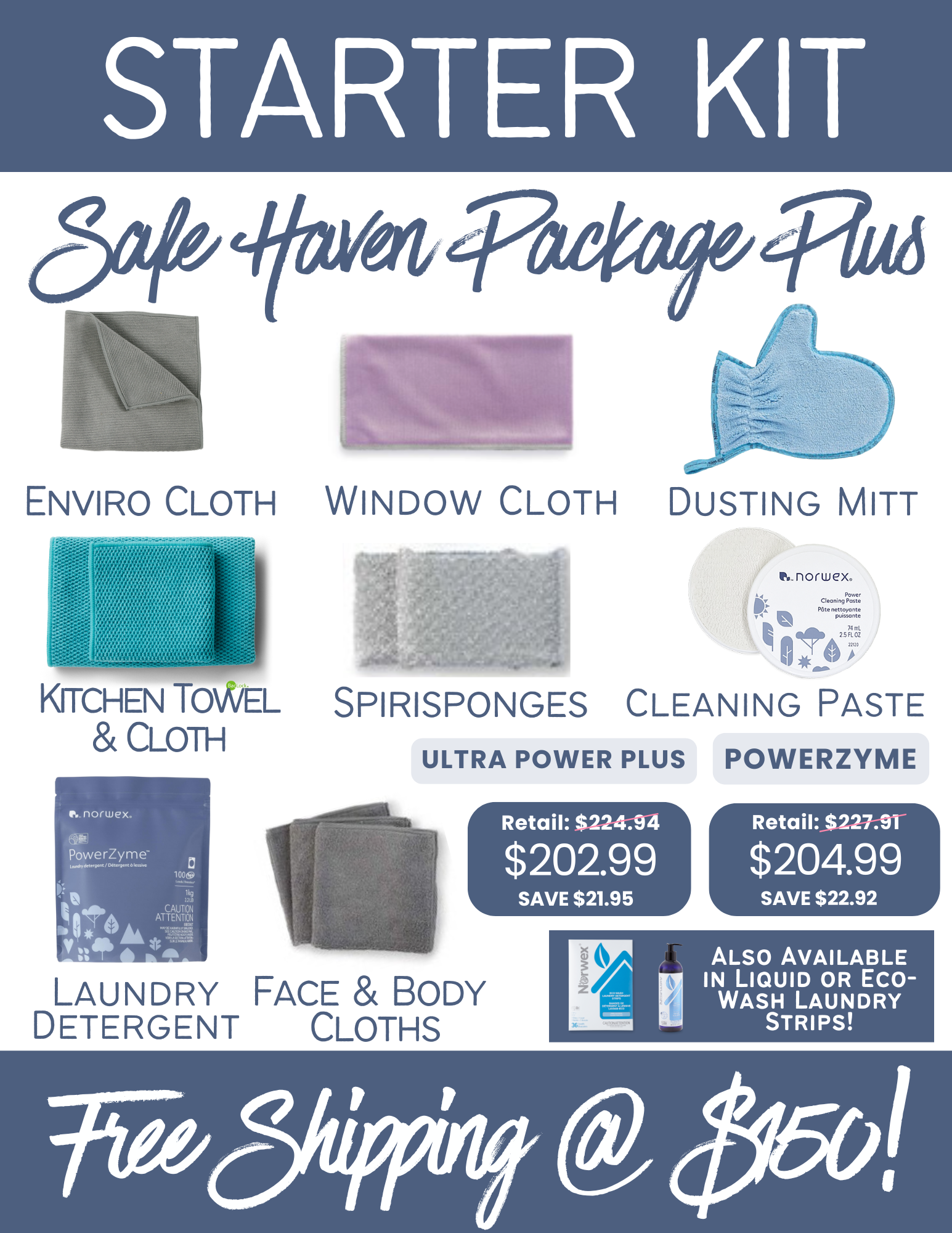
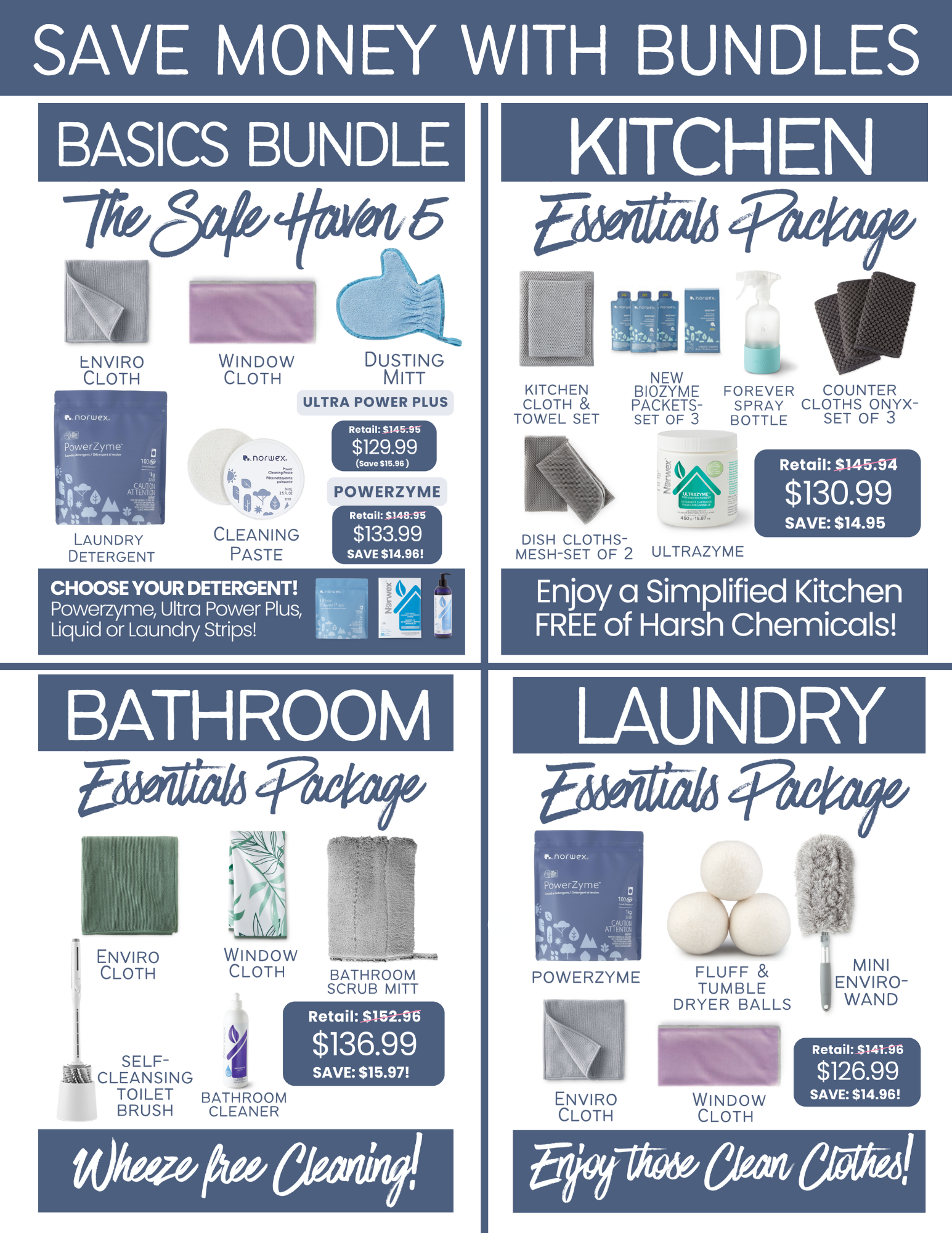
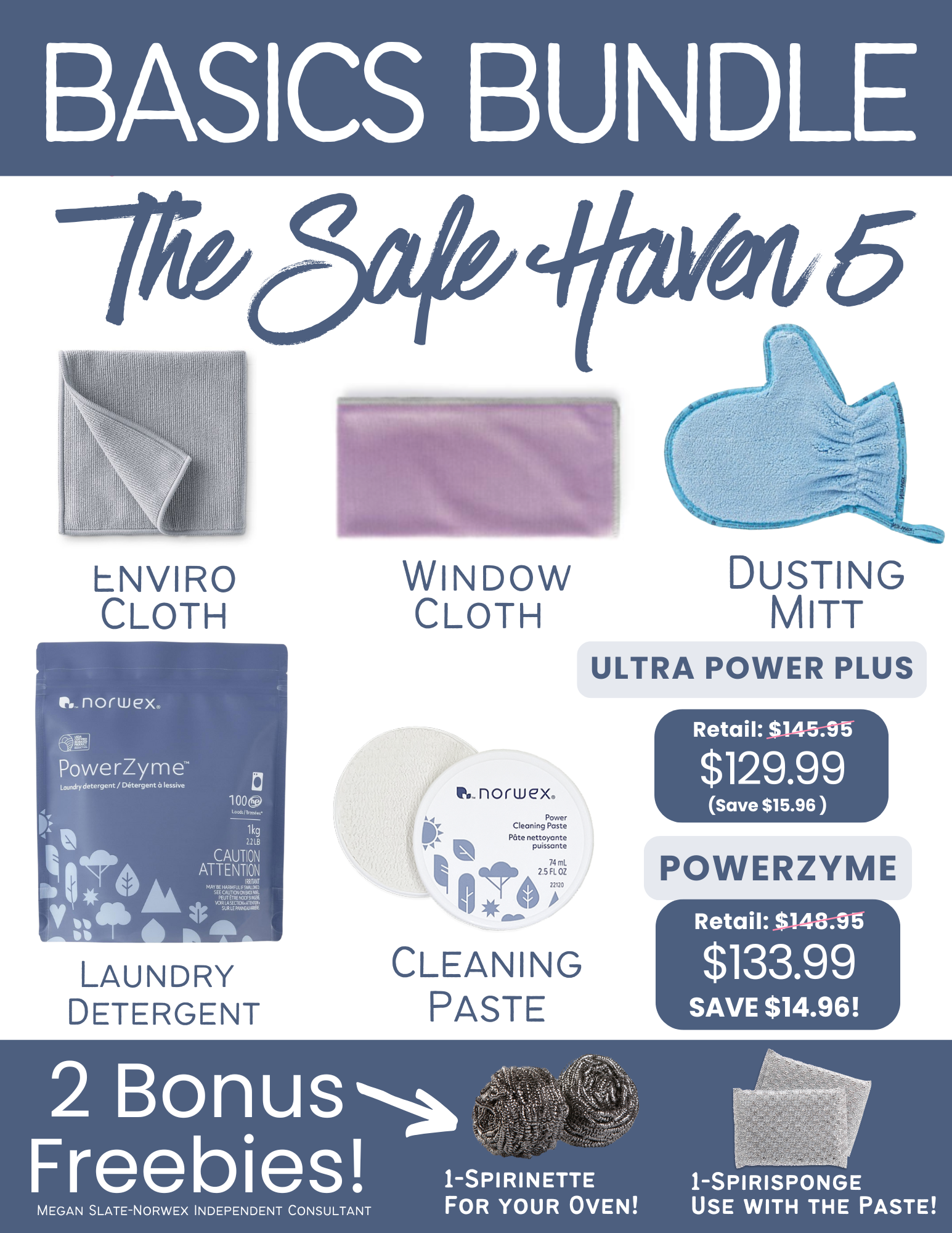
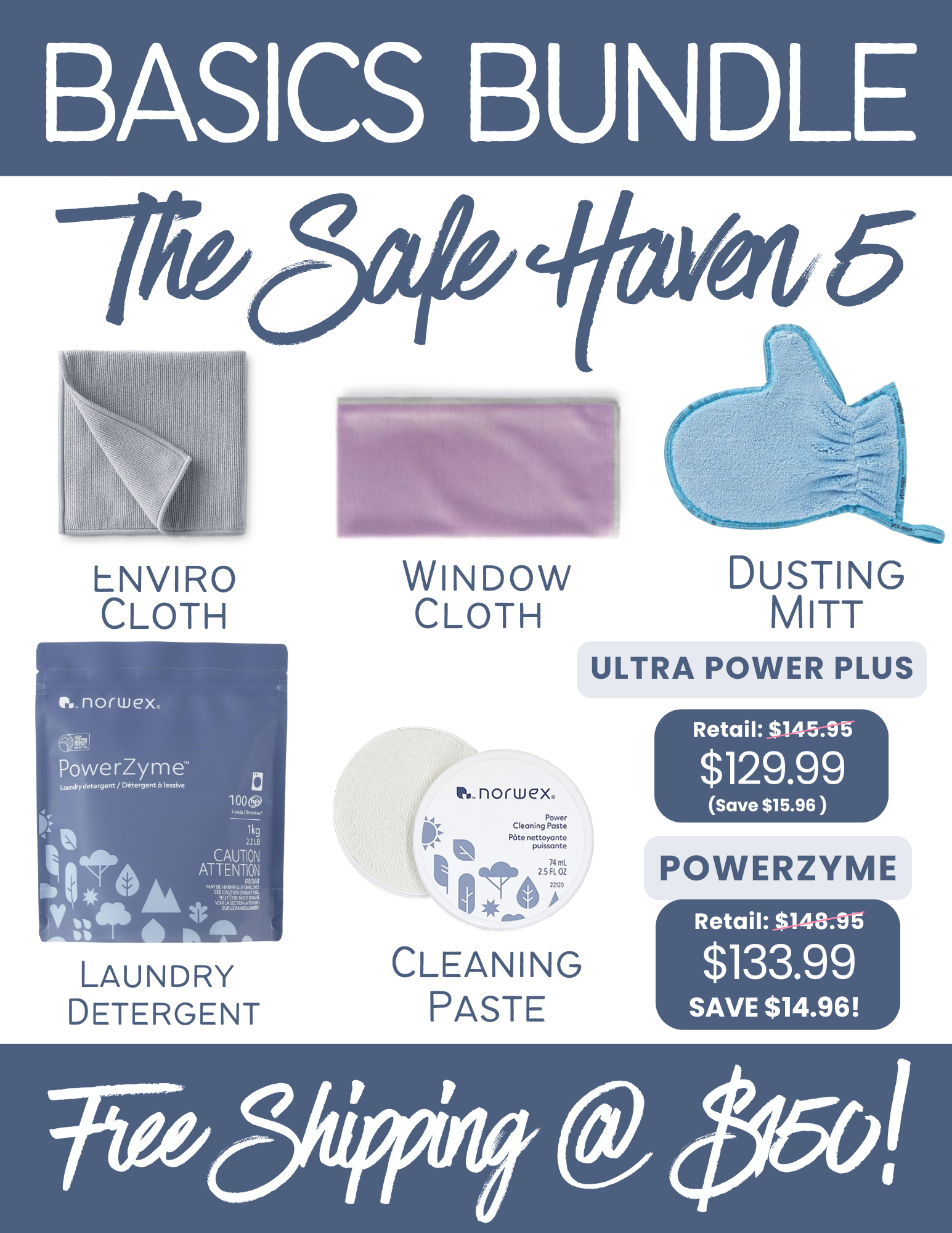
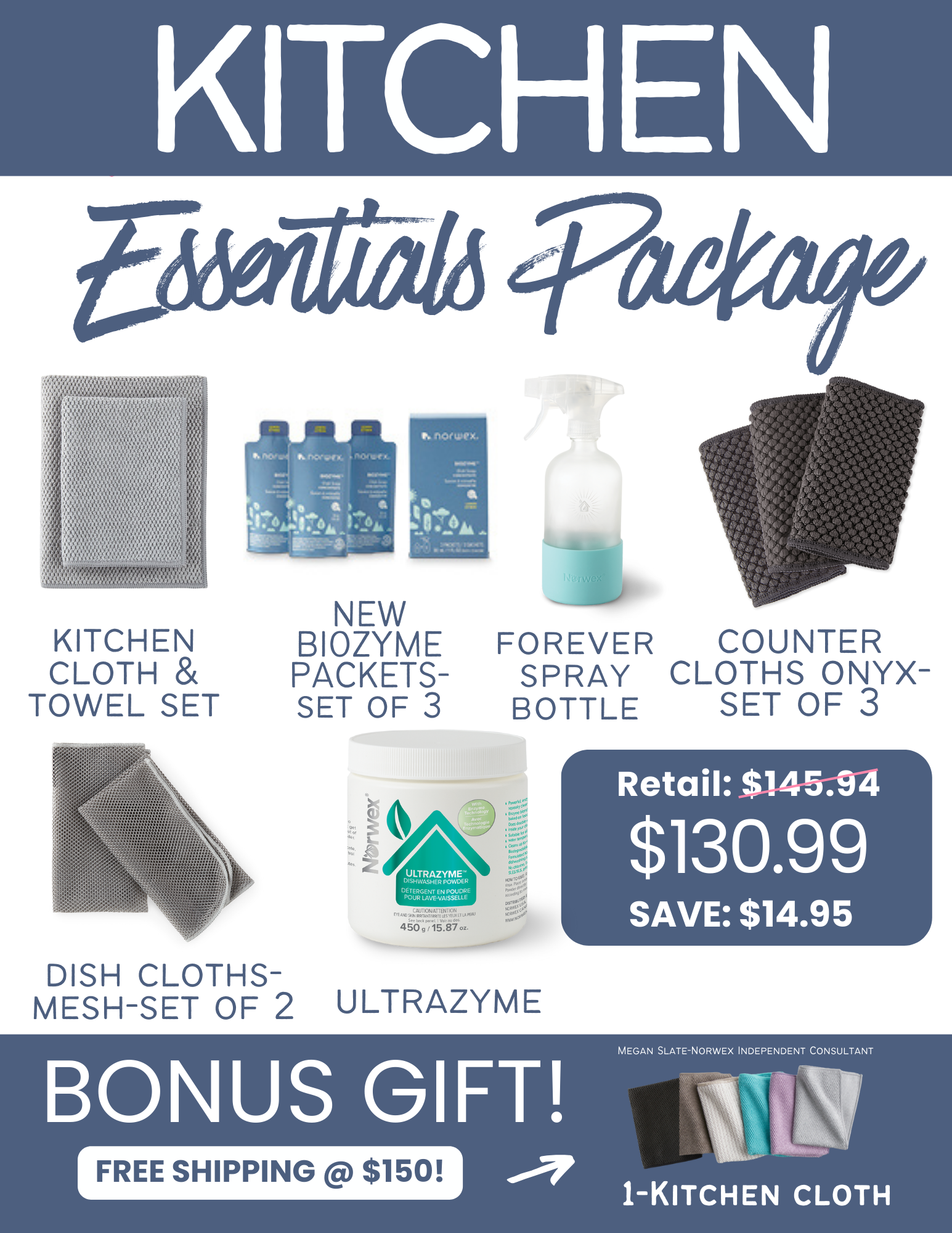
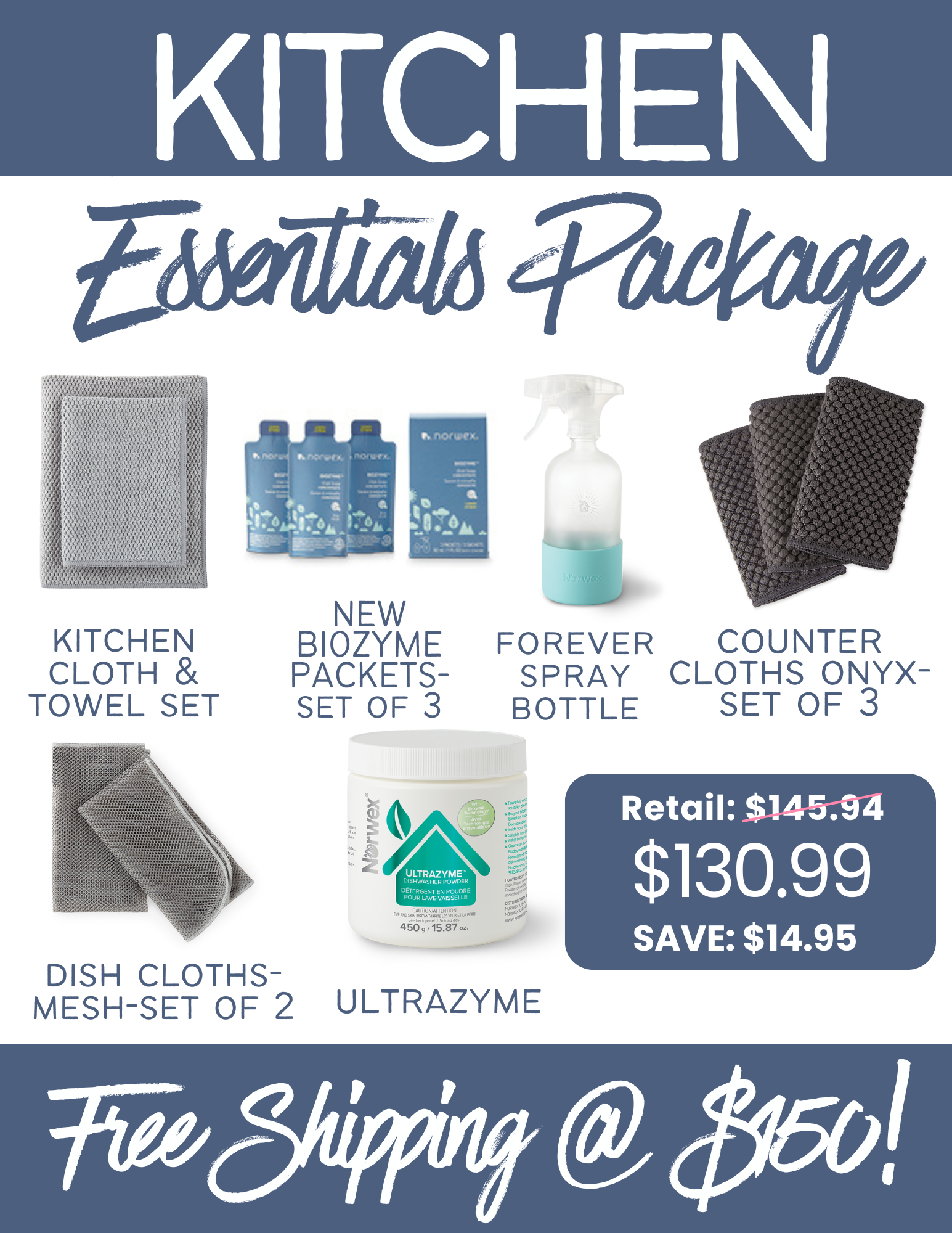
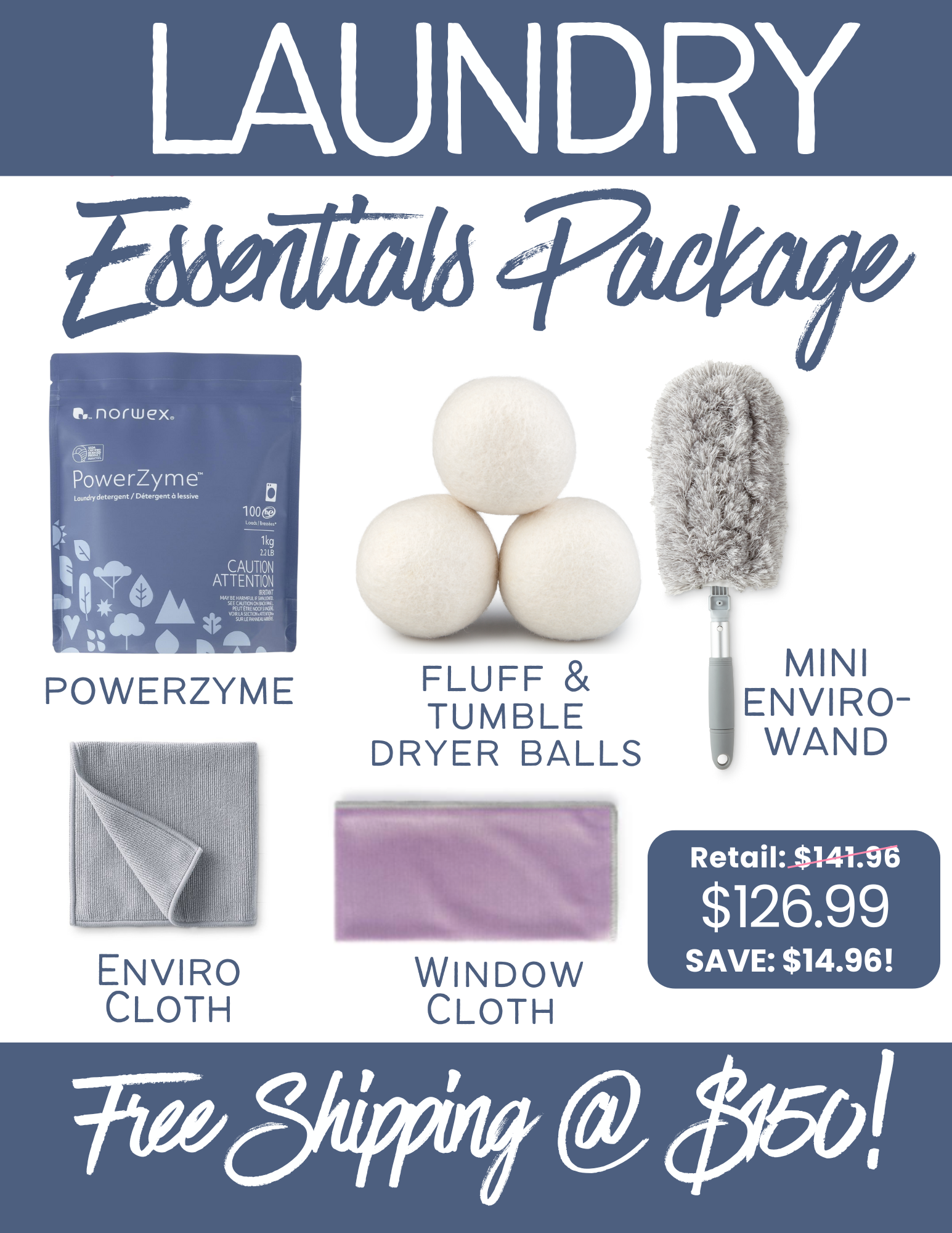
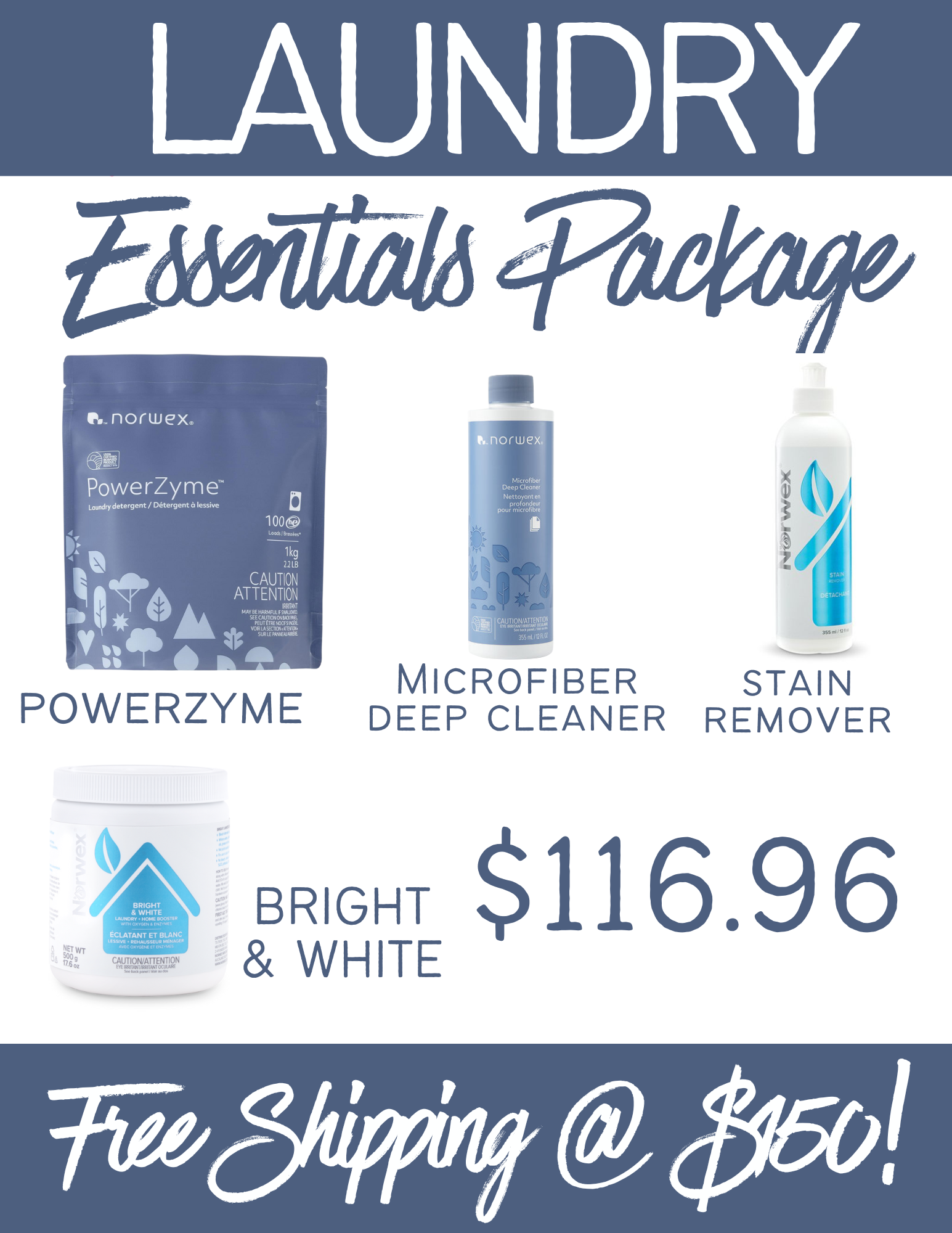
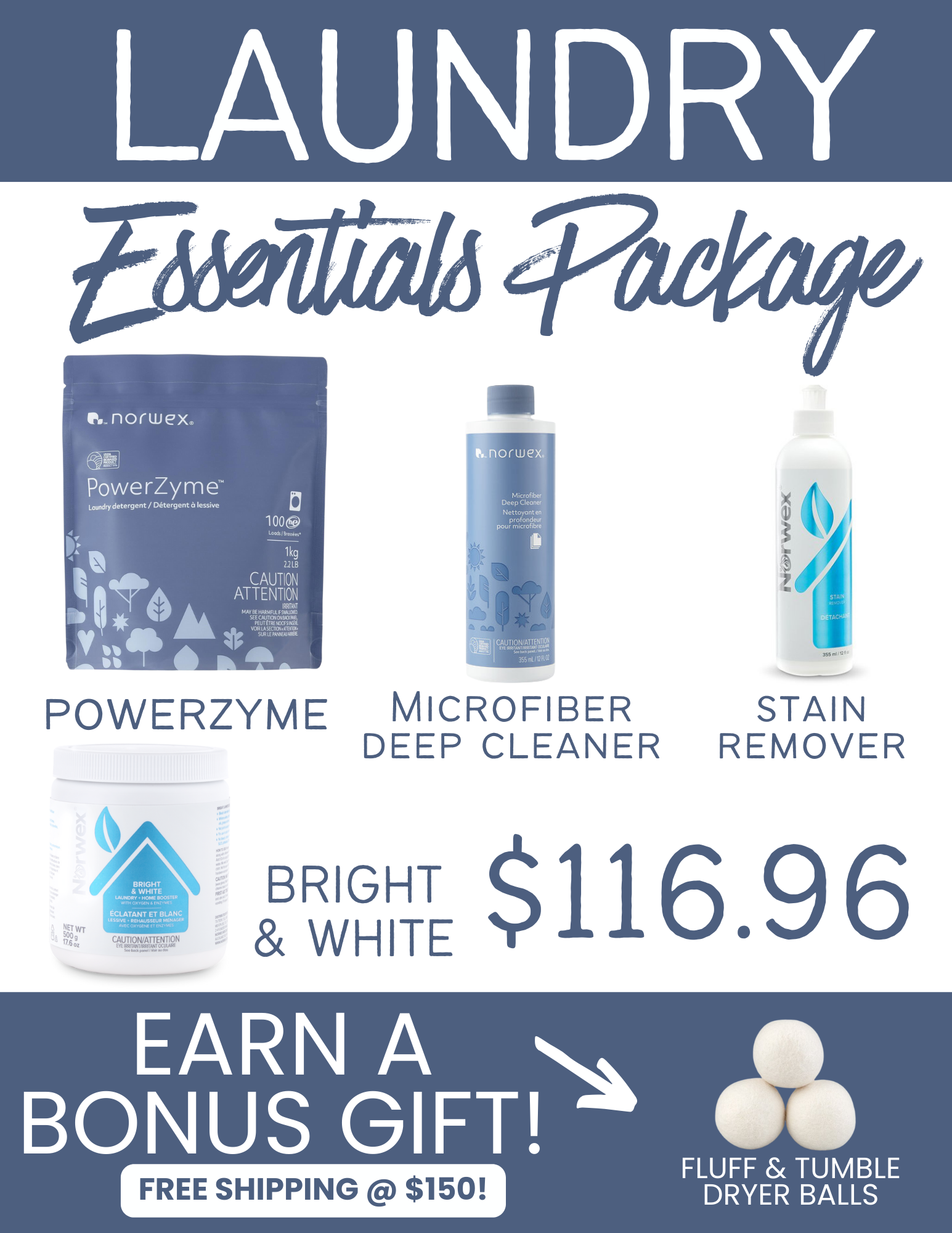
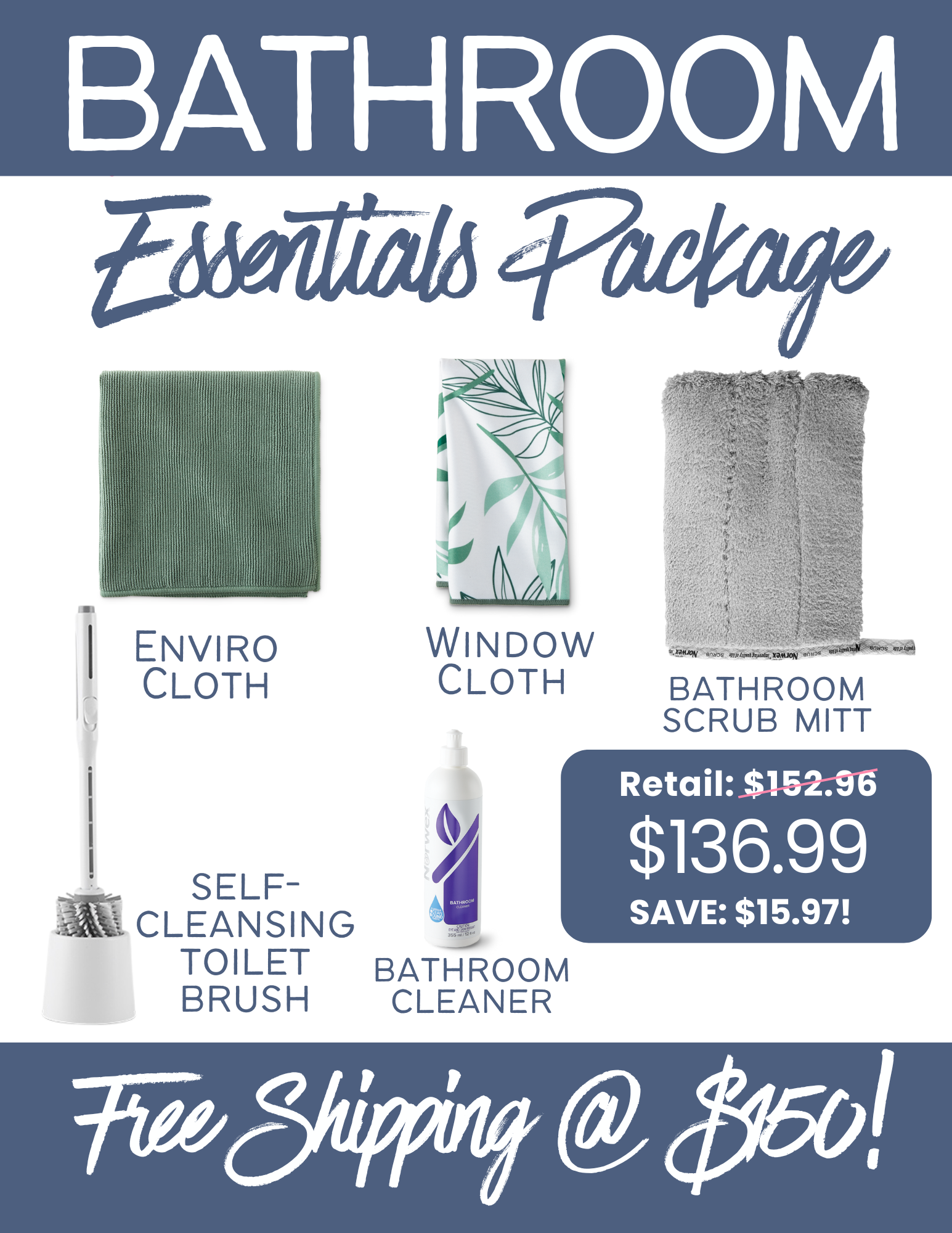
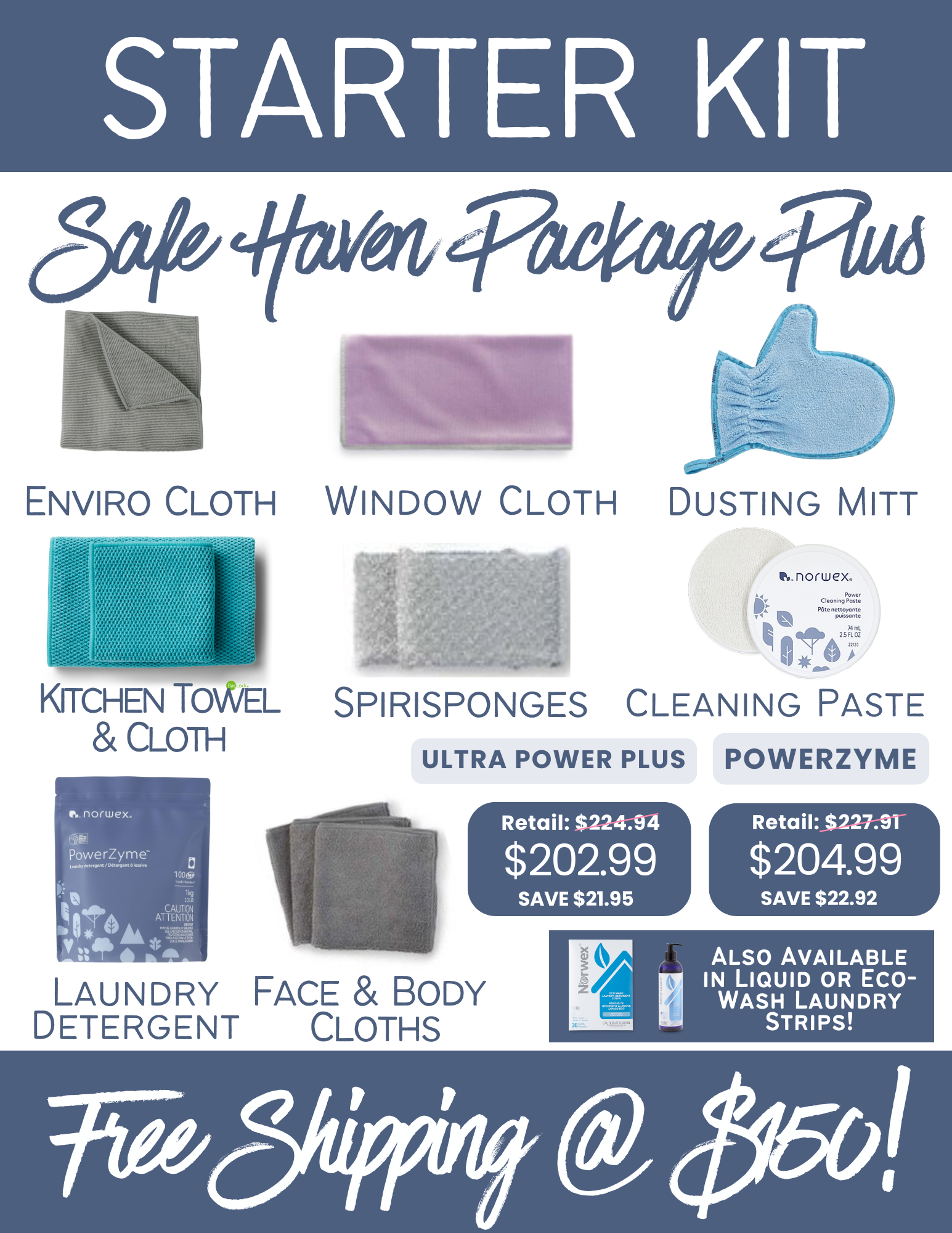
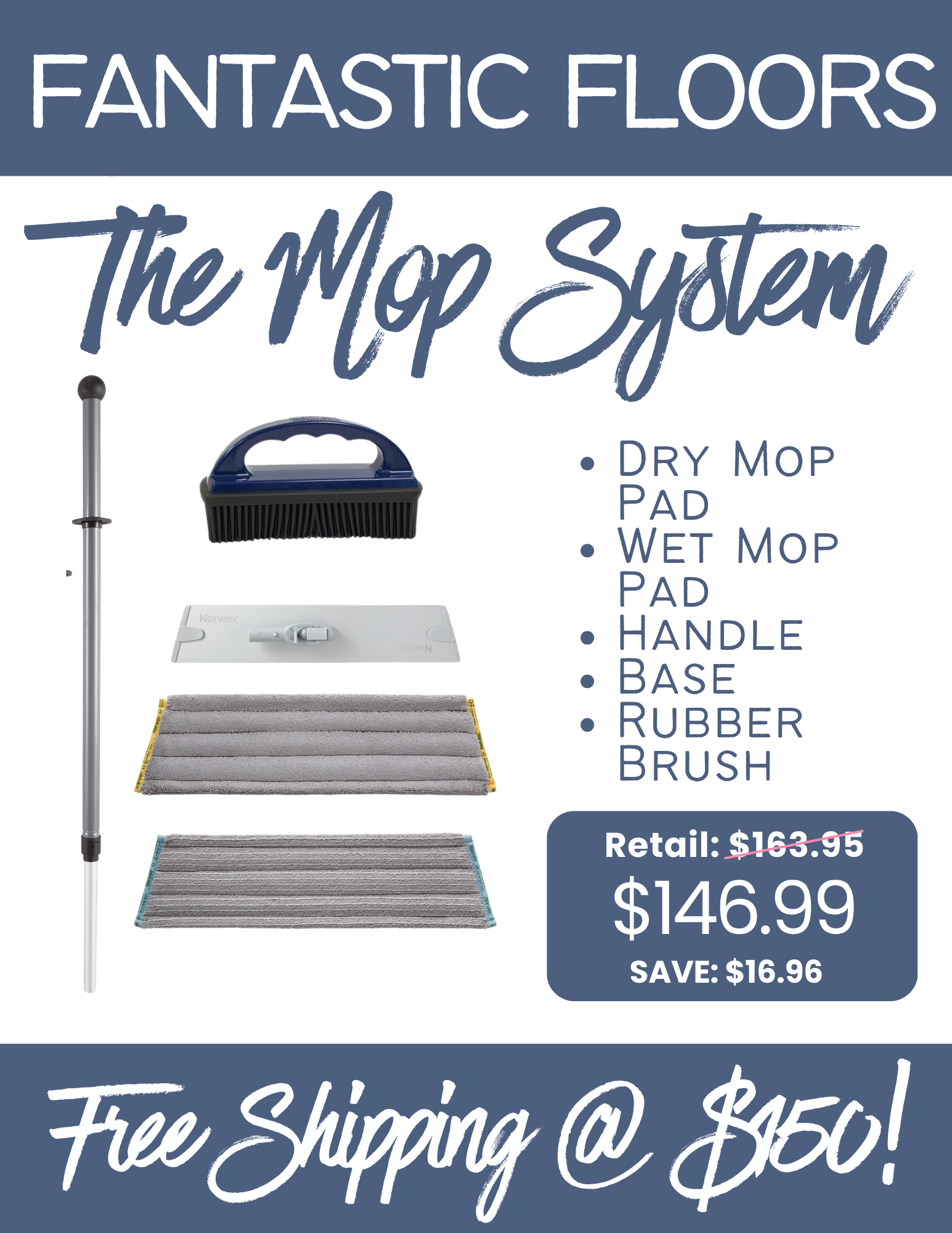
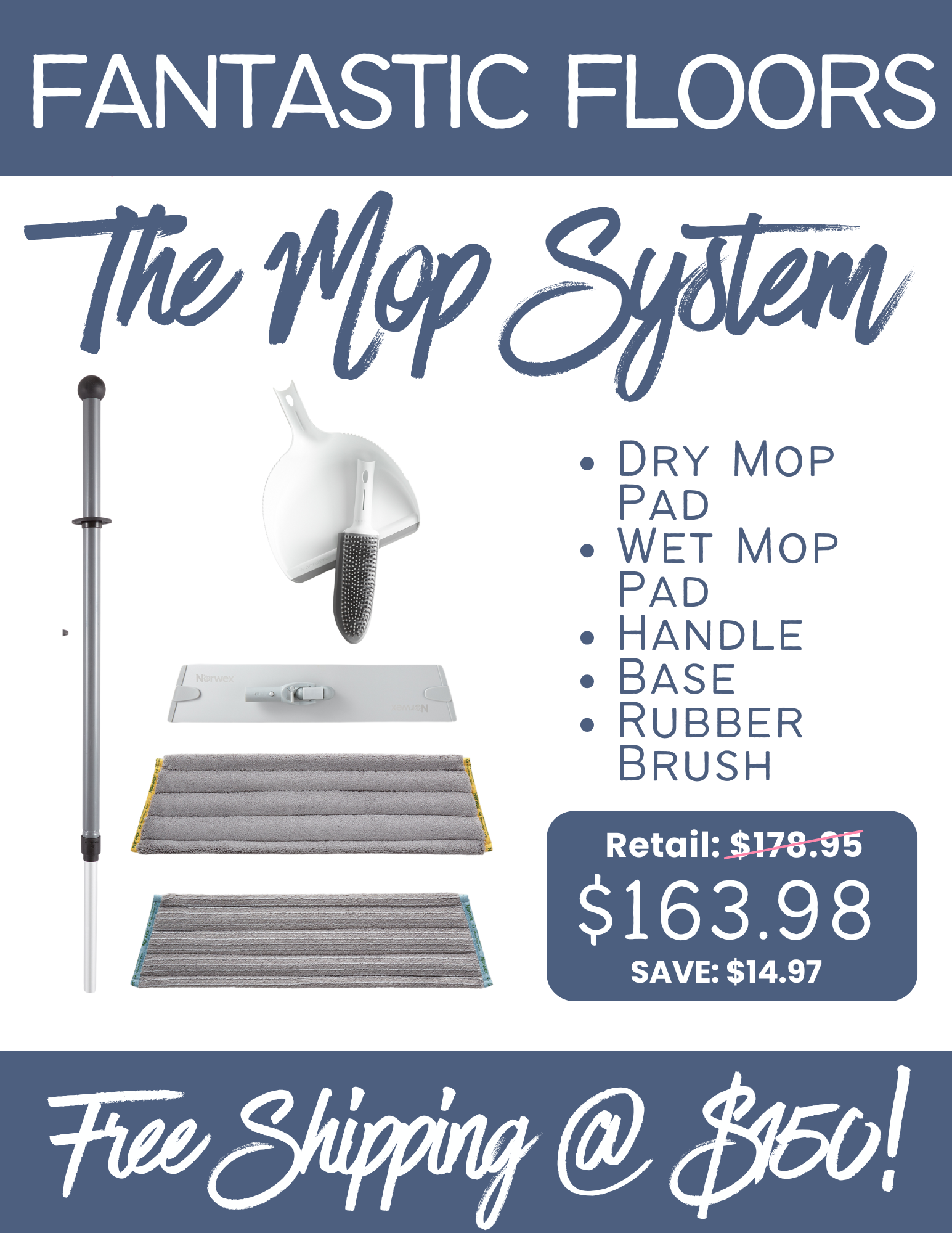
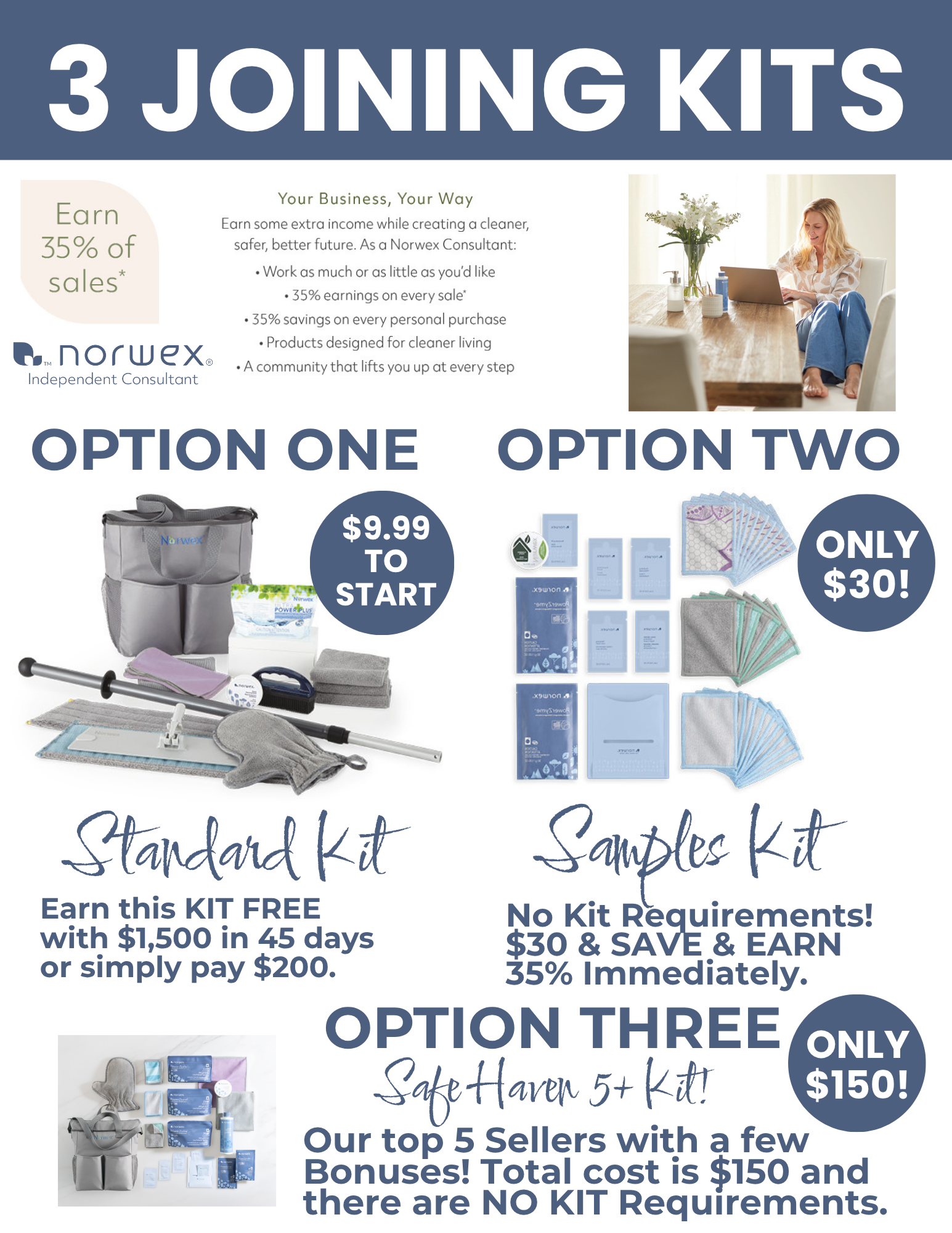
SHOPPING GRAPHICS!
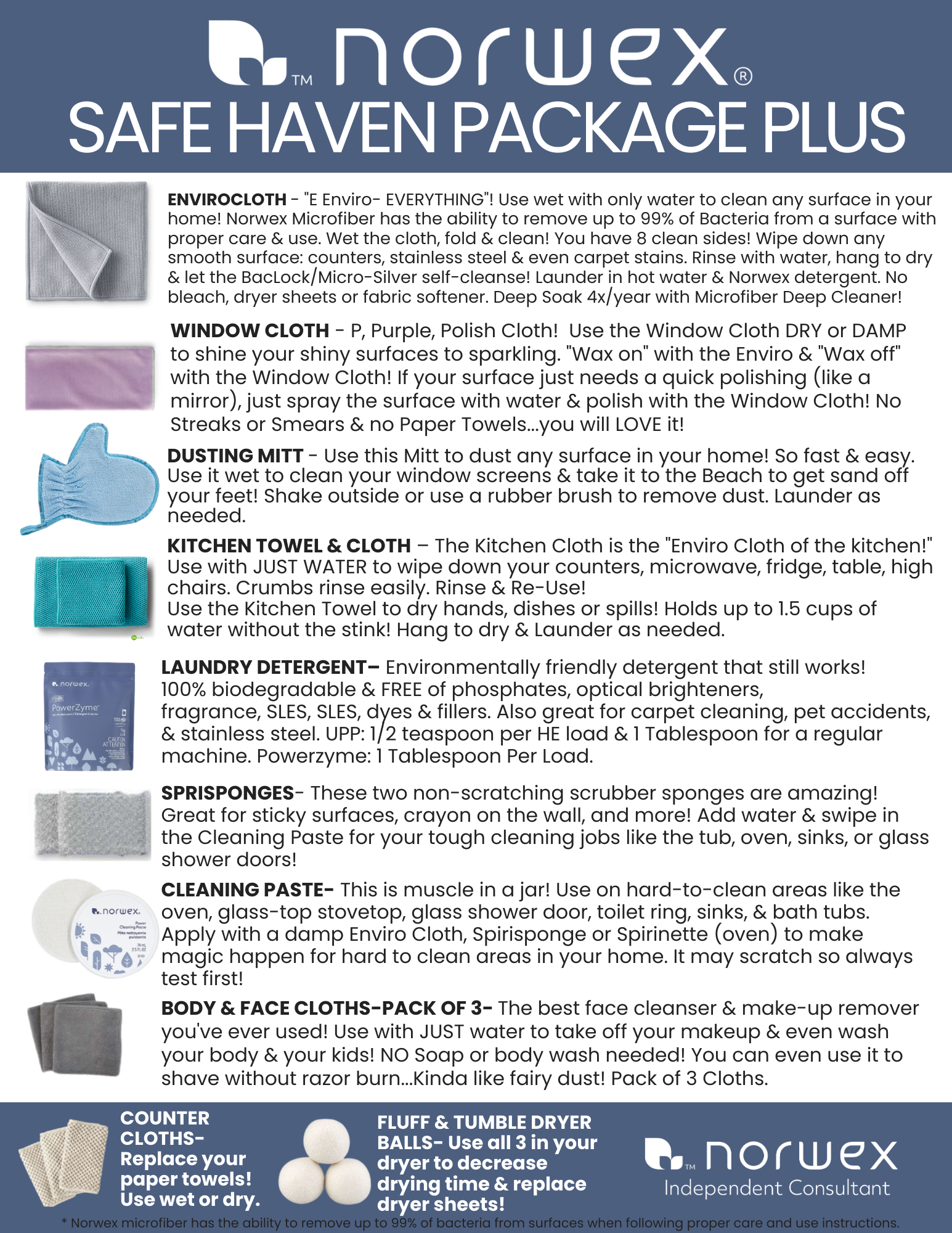
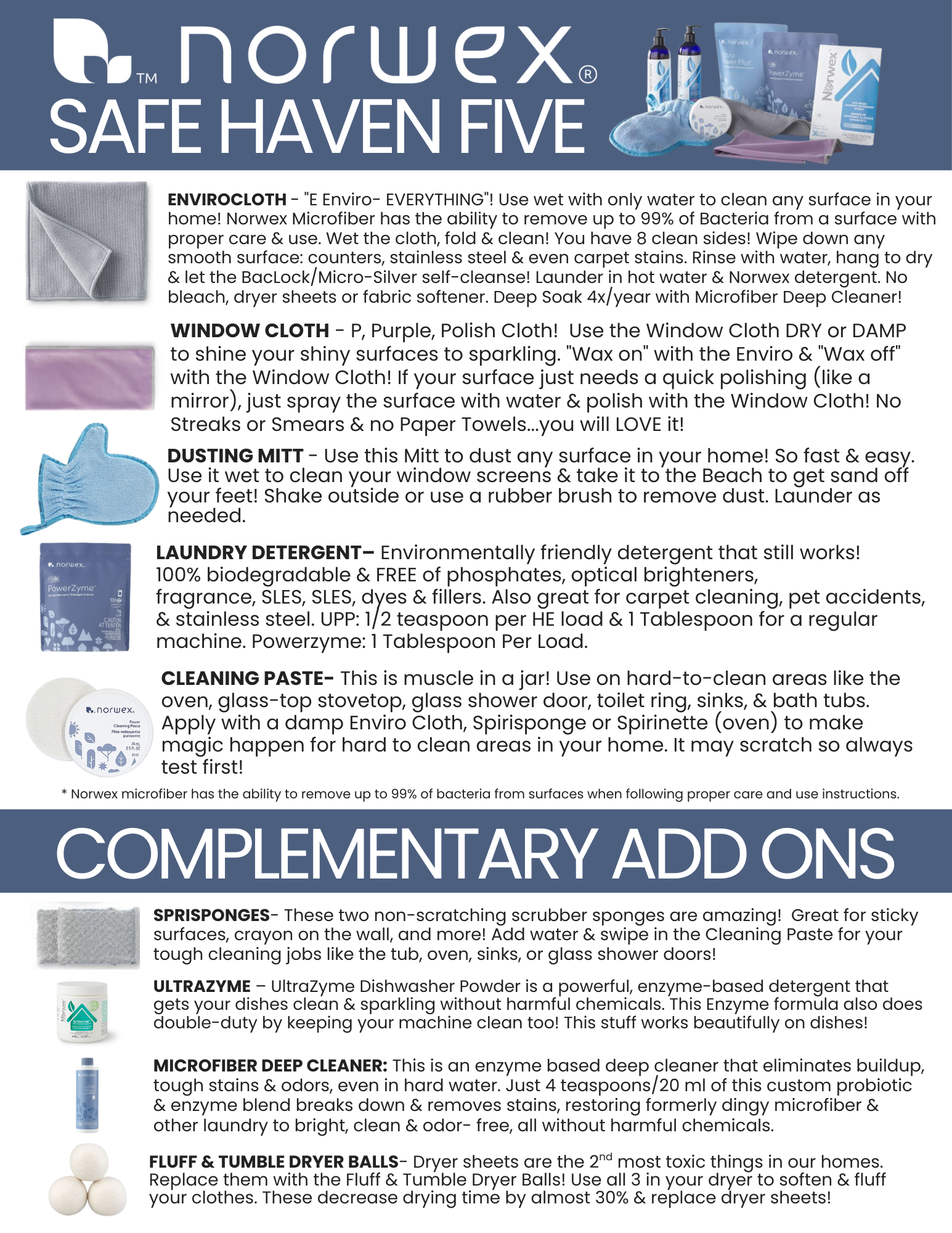
Beginner Graphics with no offers or Free Shipping @ 150.
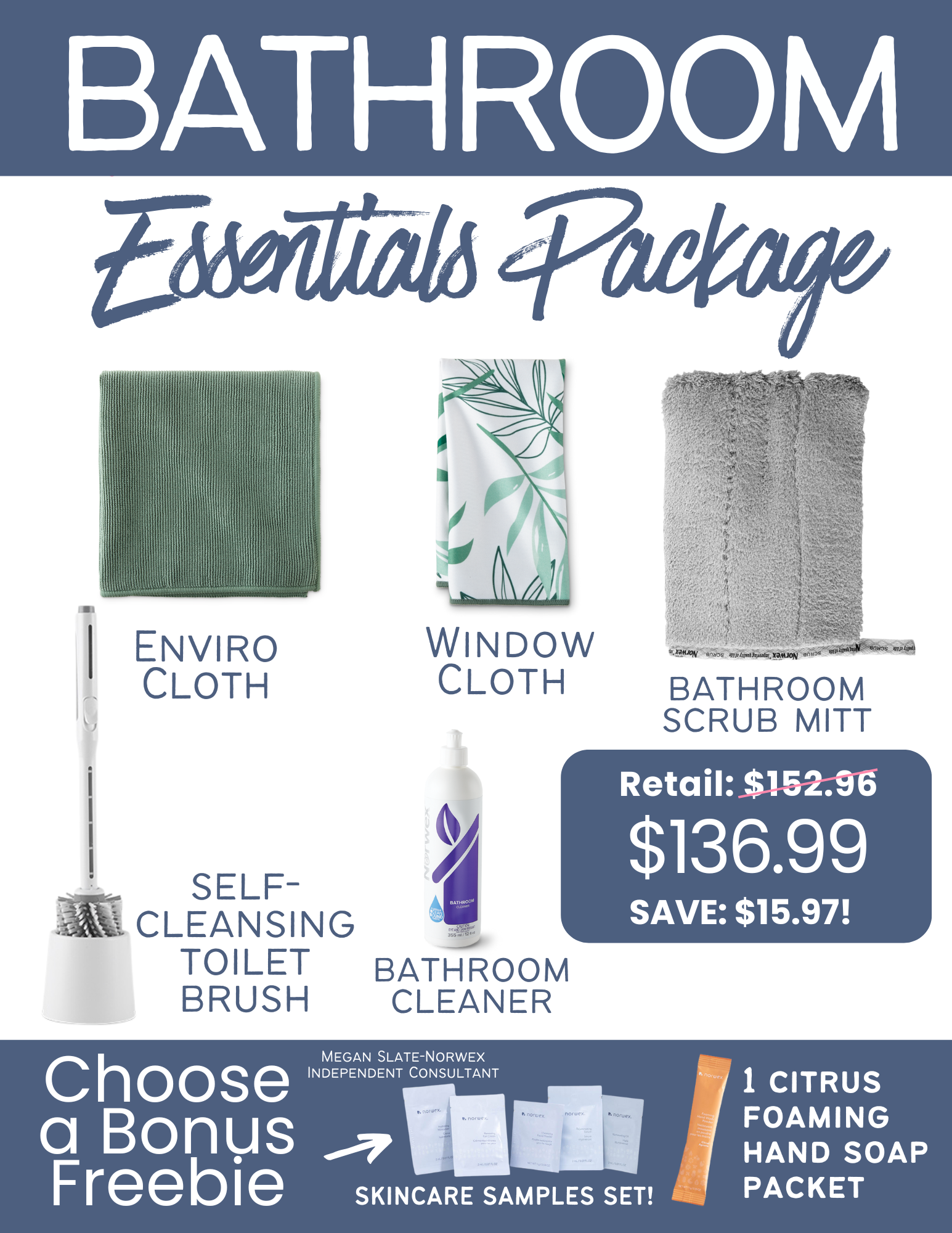
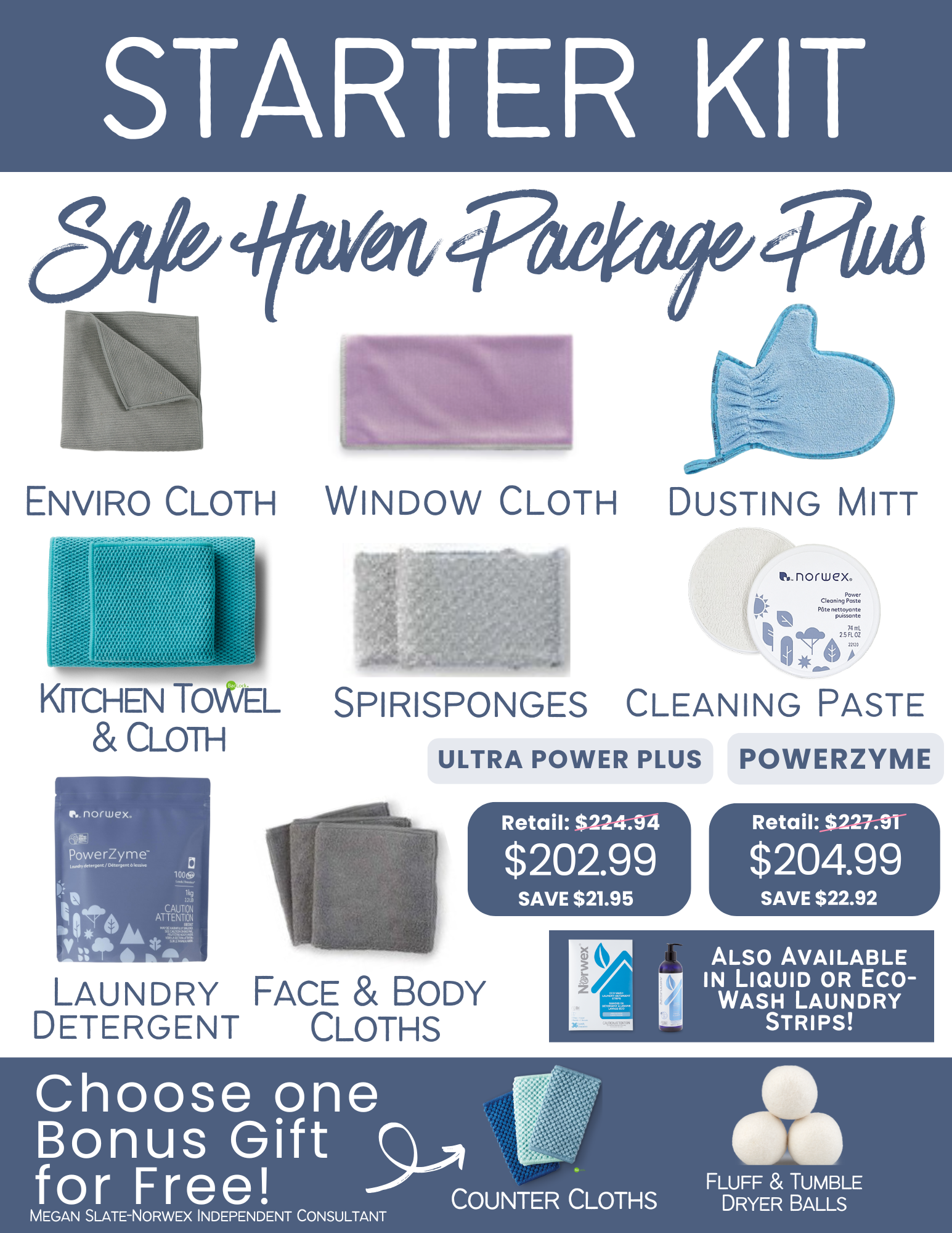
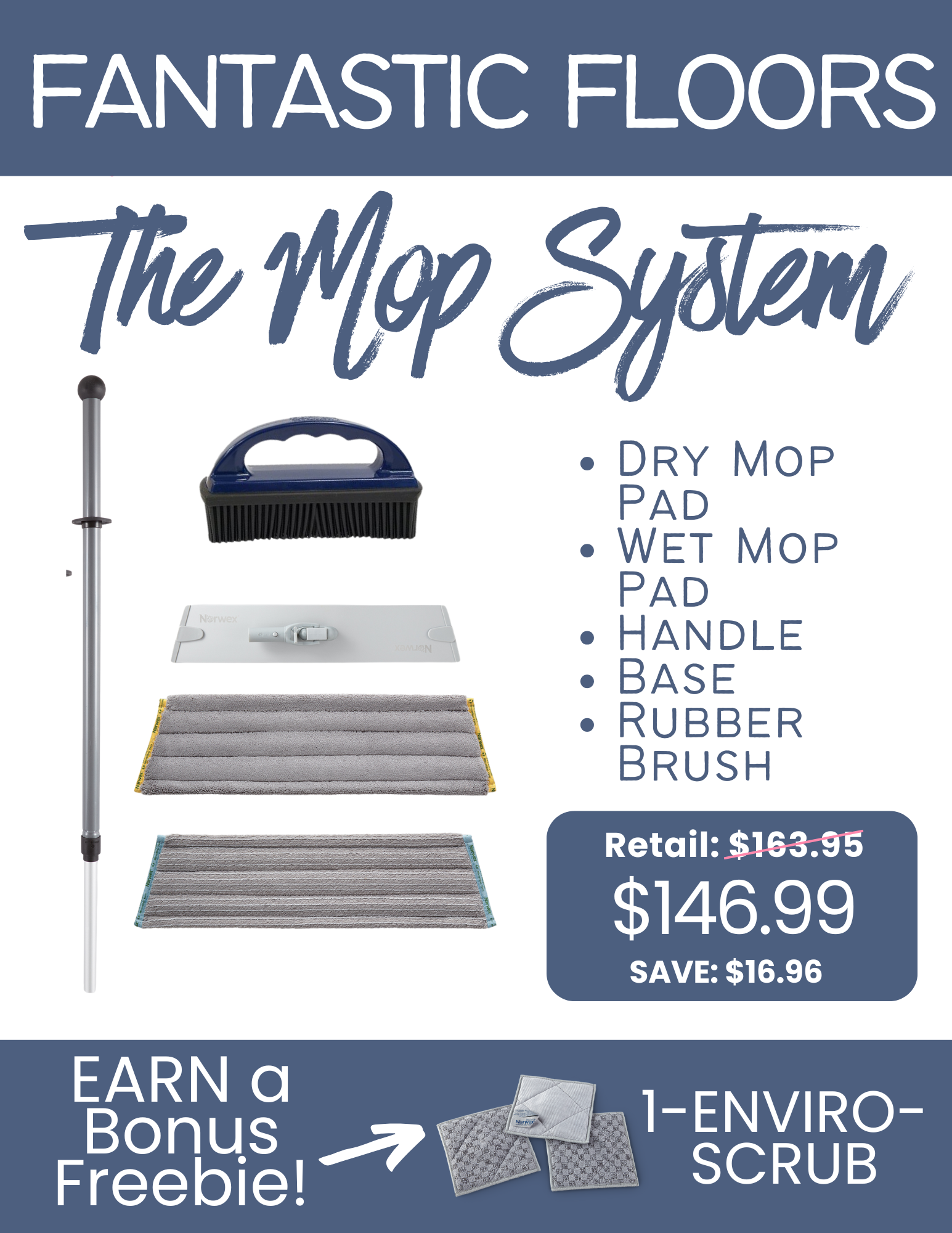
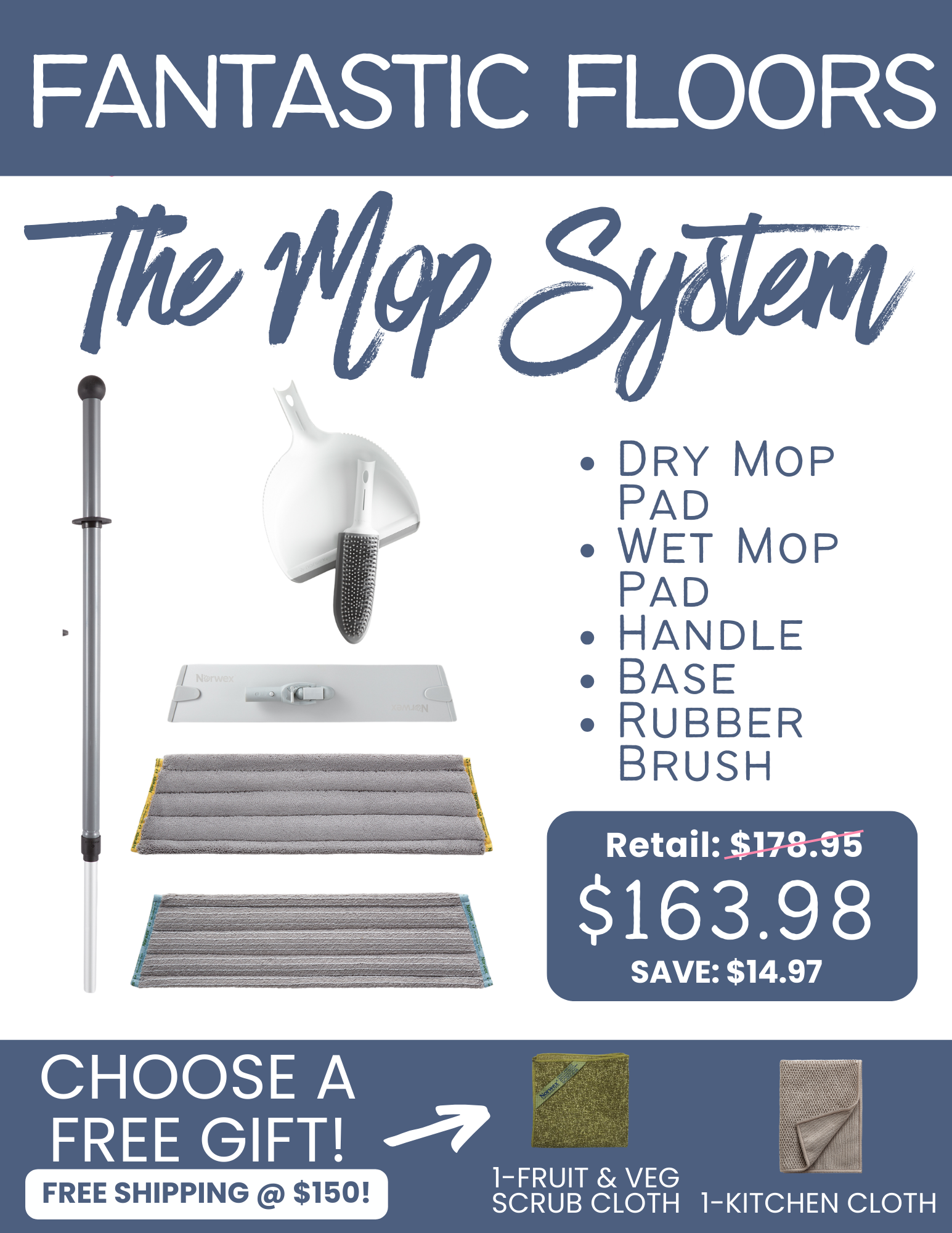
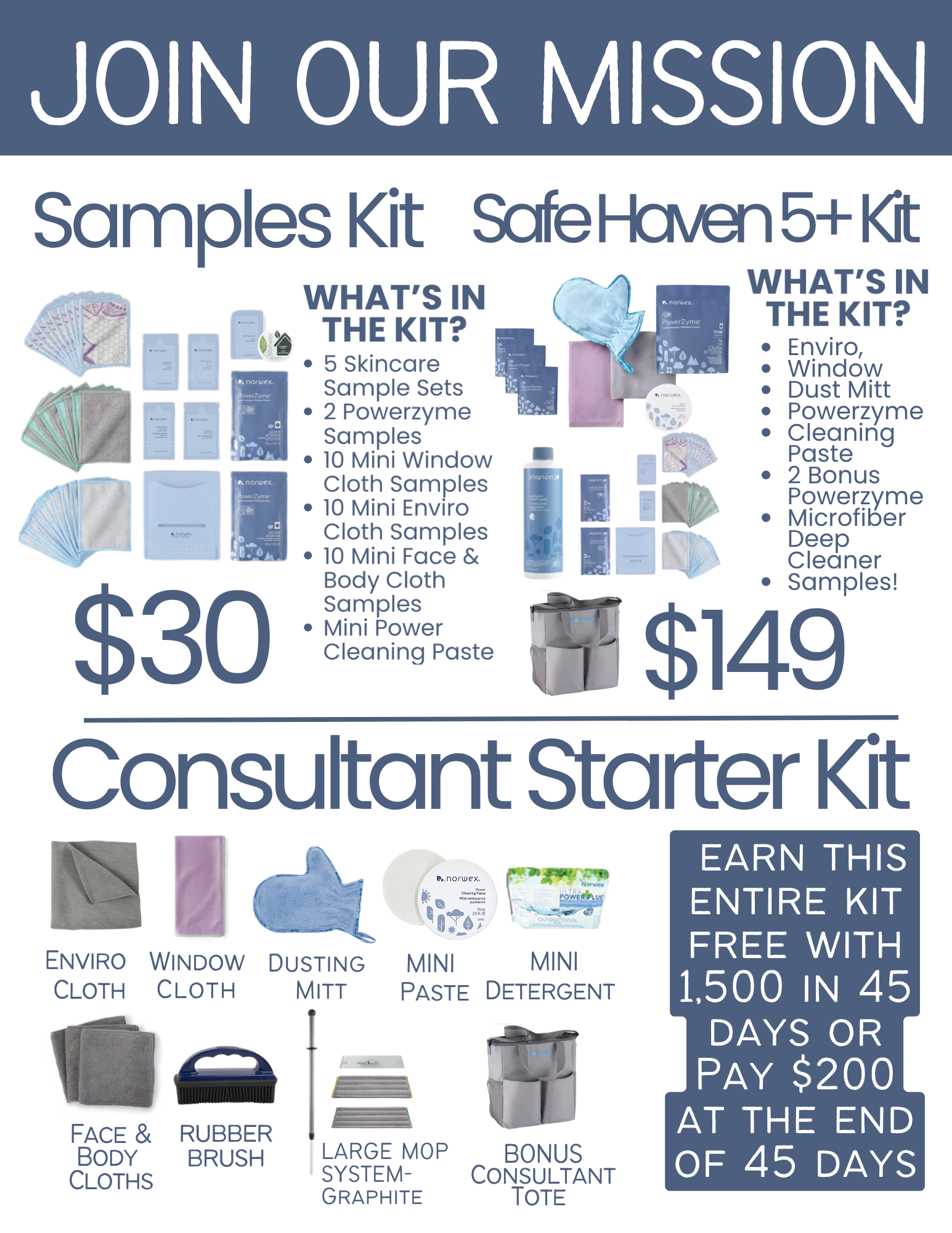
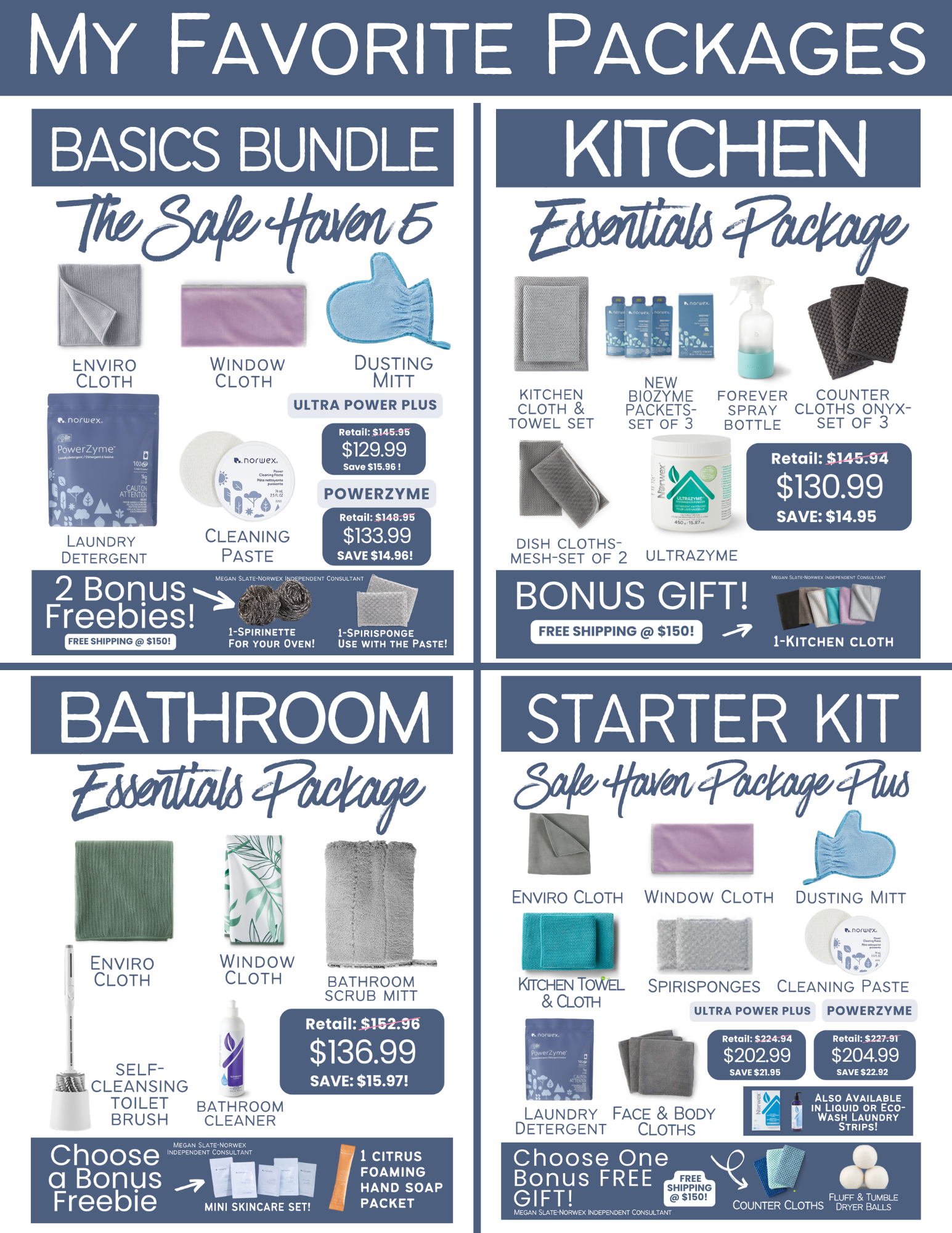
SHOPPING GRAPHICS!
Advanced with Free Bonus Gifts and/or Free Shipping @ $150
❤️ HOW TO TURN SHOP OFFERS ON!
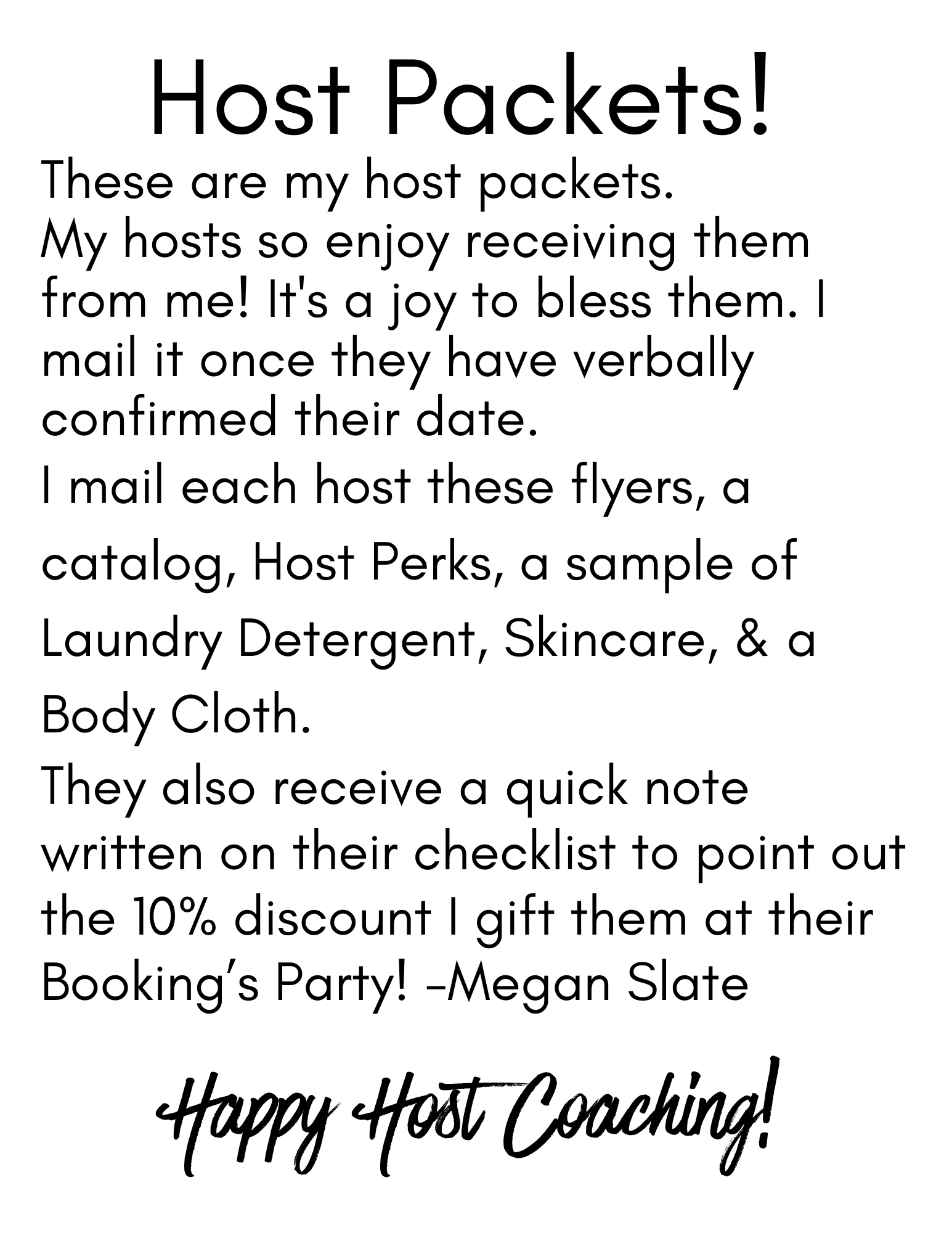
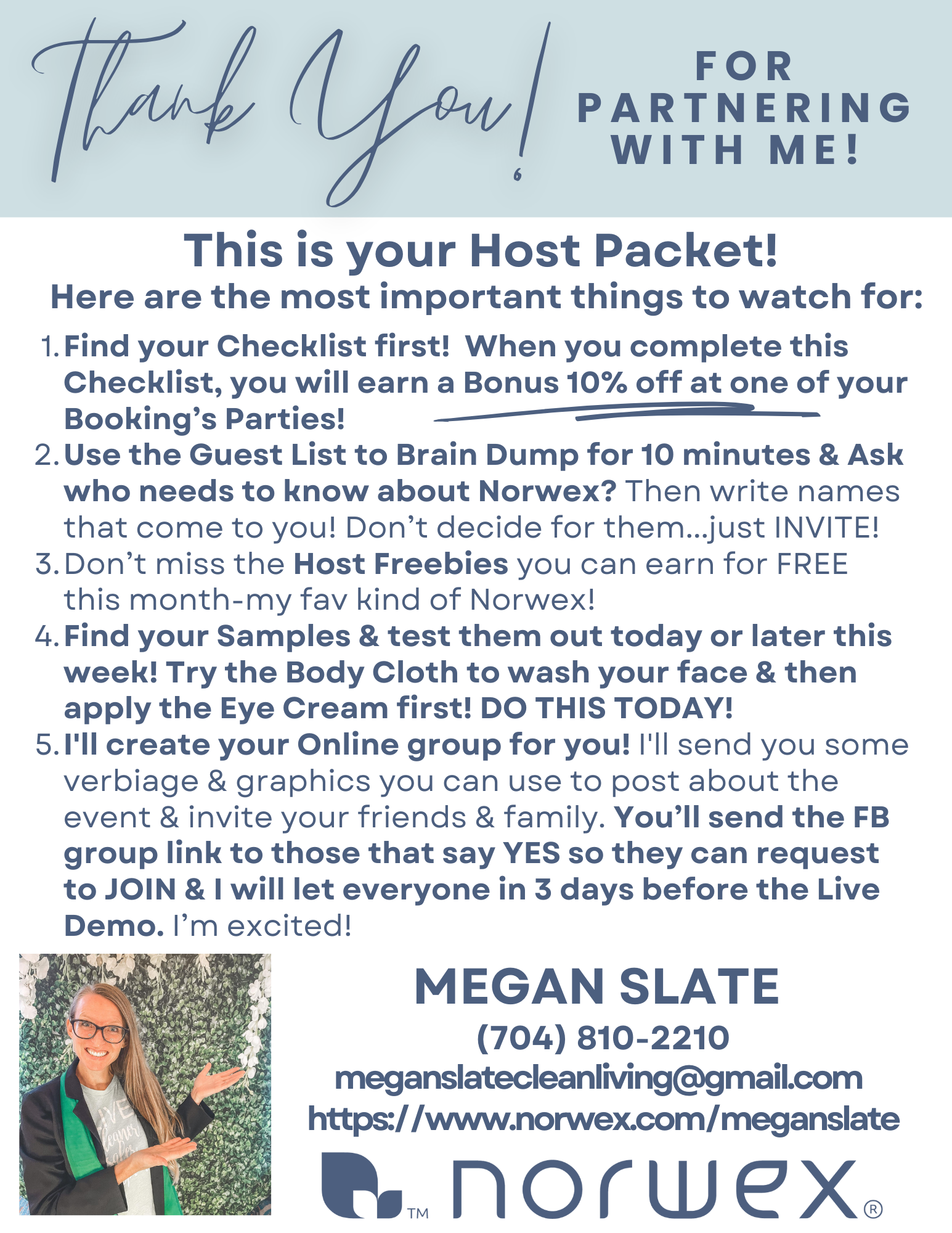
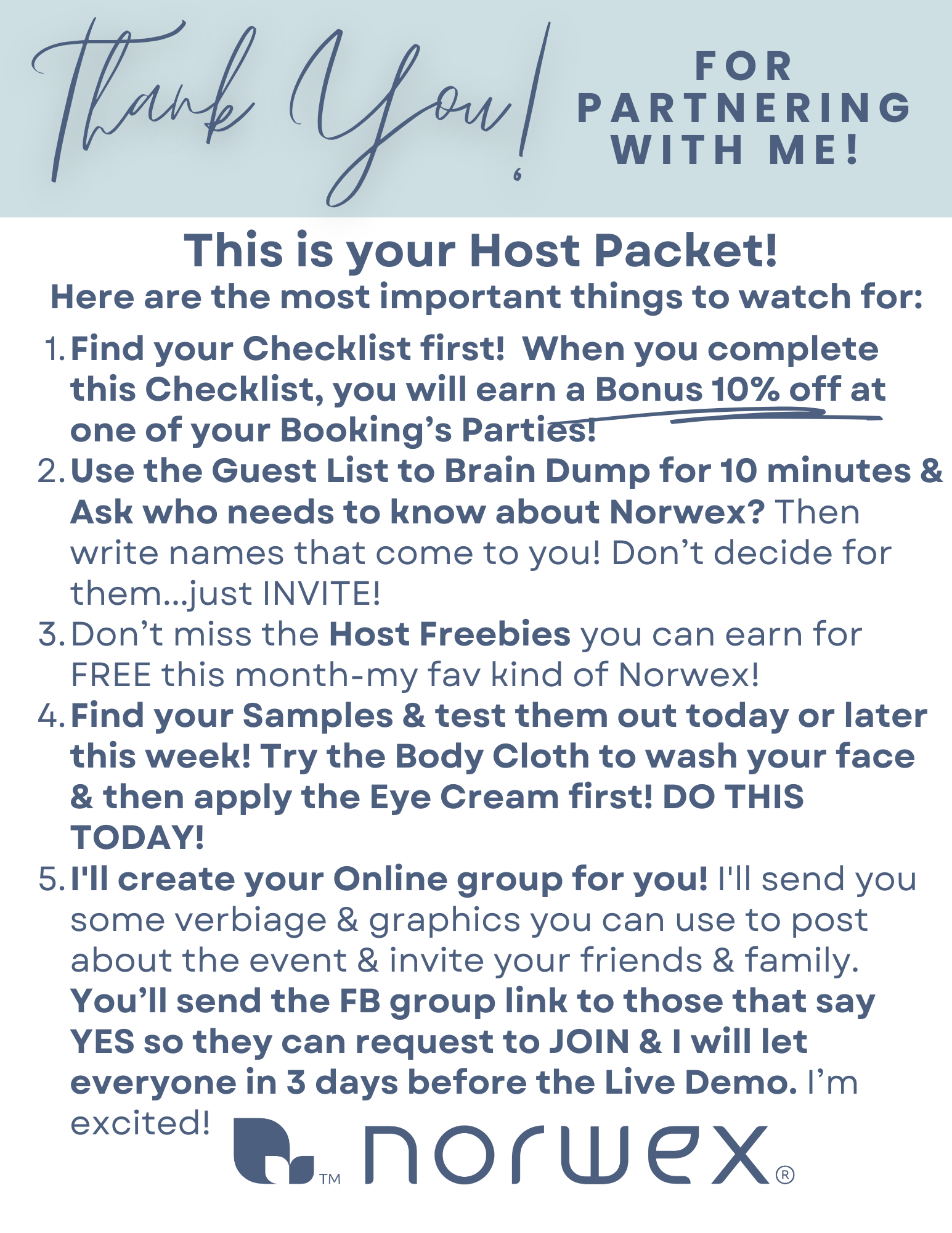
HOST COACH your hosts!!
GO HERE to see texts to send to your HOSTS:
BEGINNER
https://pb-site.com/p/jCNtCHgHPCq
- Free Shipping to Customers @ 150. Turn on the shop offer Or edit to remove this option.
- 5 comment Challenge...draw for one winner when your people comment at least 5 times in the Group.
- Free Cloth for a Booking
- NO offers for 99 spending or Bundles
- NO Free Detergent for 1K/1 Booking Party
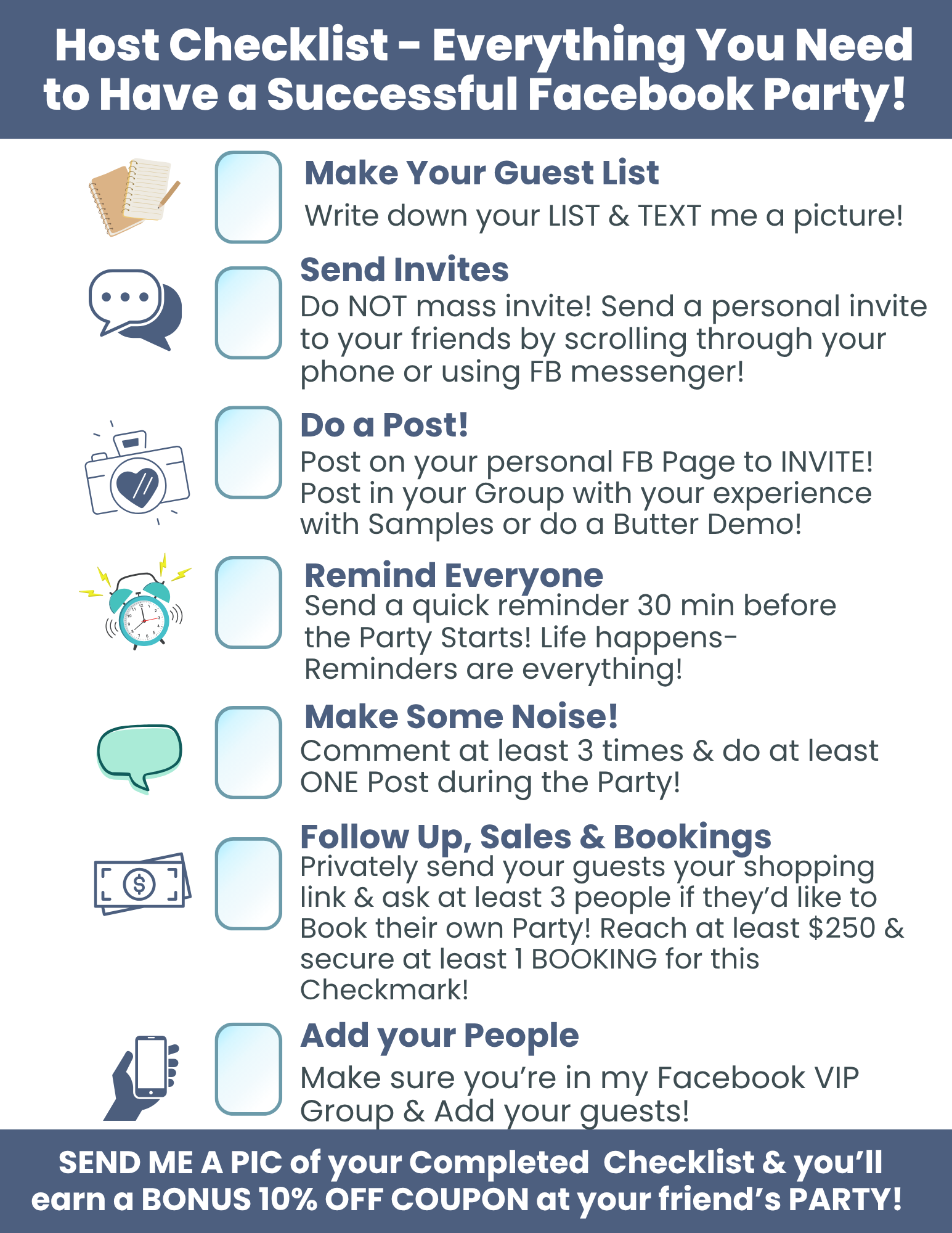
- 10% off to your host @ her friend's party when she completes her Host Checklist
✨ADVANCED PROJECT BROADCAST BUNDLE CODE (includes custom fields)
- Free Shipping to Customers @ 150. Turn on the shop offer. ONLY if you want!
- FREE GIFT @ 99!
- FREE GIFTS with BUNDLES
- 5 comment Challenge...draw for one winner when your people comment at least 5 times in the Group.
- Free Cloth for a Booking
- 10% off to your host @ her friend's party when she completes her Host Checklist
- Hosts who reach 1K and at least 1 Booking earn Detergent for a year (they choose their fav 2 detergents)!
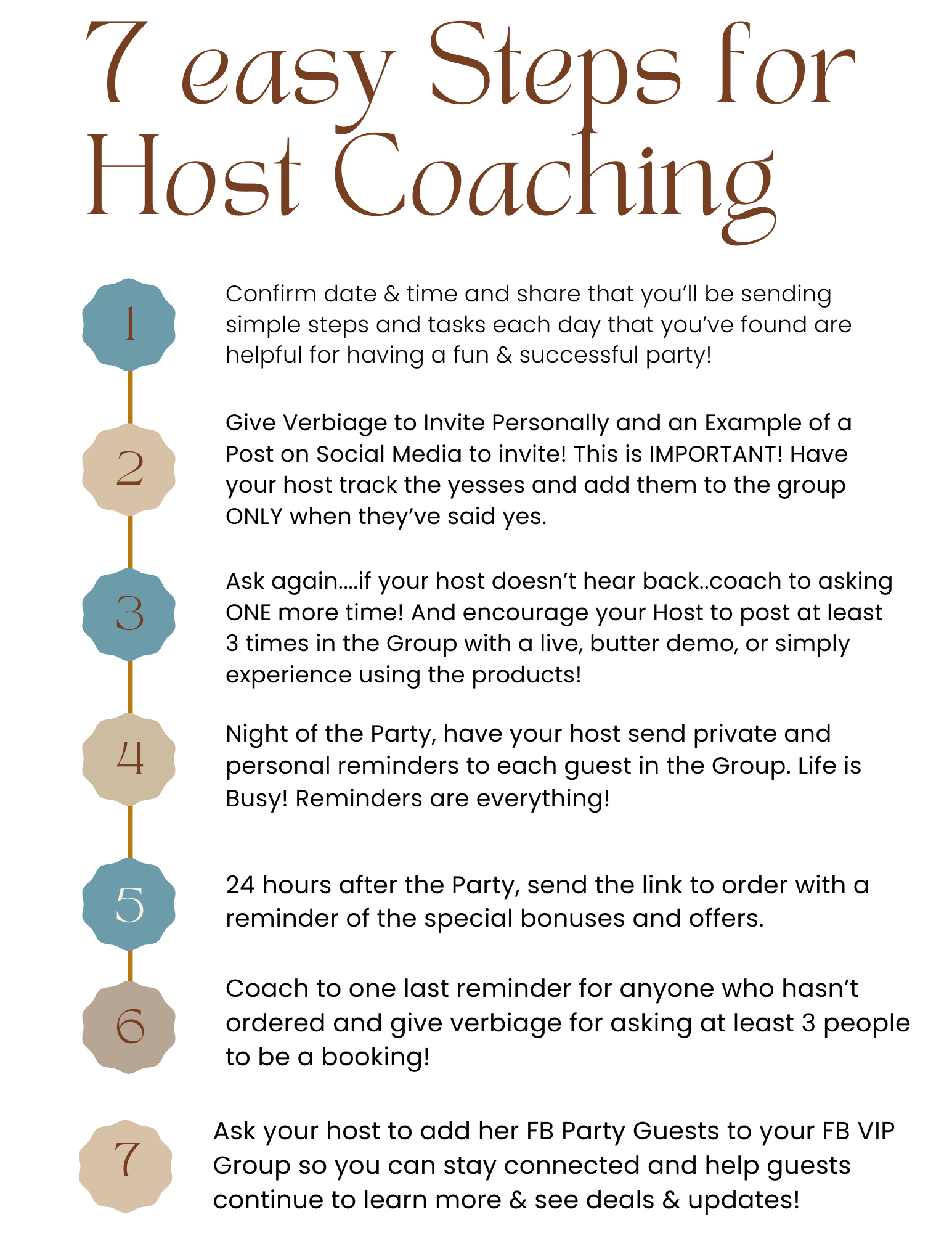
✨ Want to Automate your HOST✨ COACHING with Project Broadcast?
Here is a project broadcast Bundle code for TEXTS and a Landing Page with Host Coaching! These include custom fields so that you do NOT have to add links in every text message. It will autopopulate for you when you've edited the Contact. Go to Contacts, edit the contact and add the correct links or Info under the specific custom Fields used here.
Make sure you KEEP a master at all times of this Template. Make a copy and name it for your HOST and then add your host and schedule the template for the correct date.
✨ADVANCED (includes custom fields)
Learn How to use Project Broadcast by watching "ninja" classes inside your PB Account...you'll earn free credits too!
visit: https://training.projectbroadcast.com/
and watch the training on Campaigns!
Campaigns Training with PB: https://training.projectbroadcast.com/courses/campaigns
Custom Fields training: https://training.projectbroadcast.com/courses/custom-fields
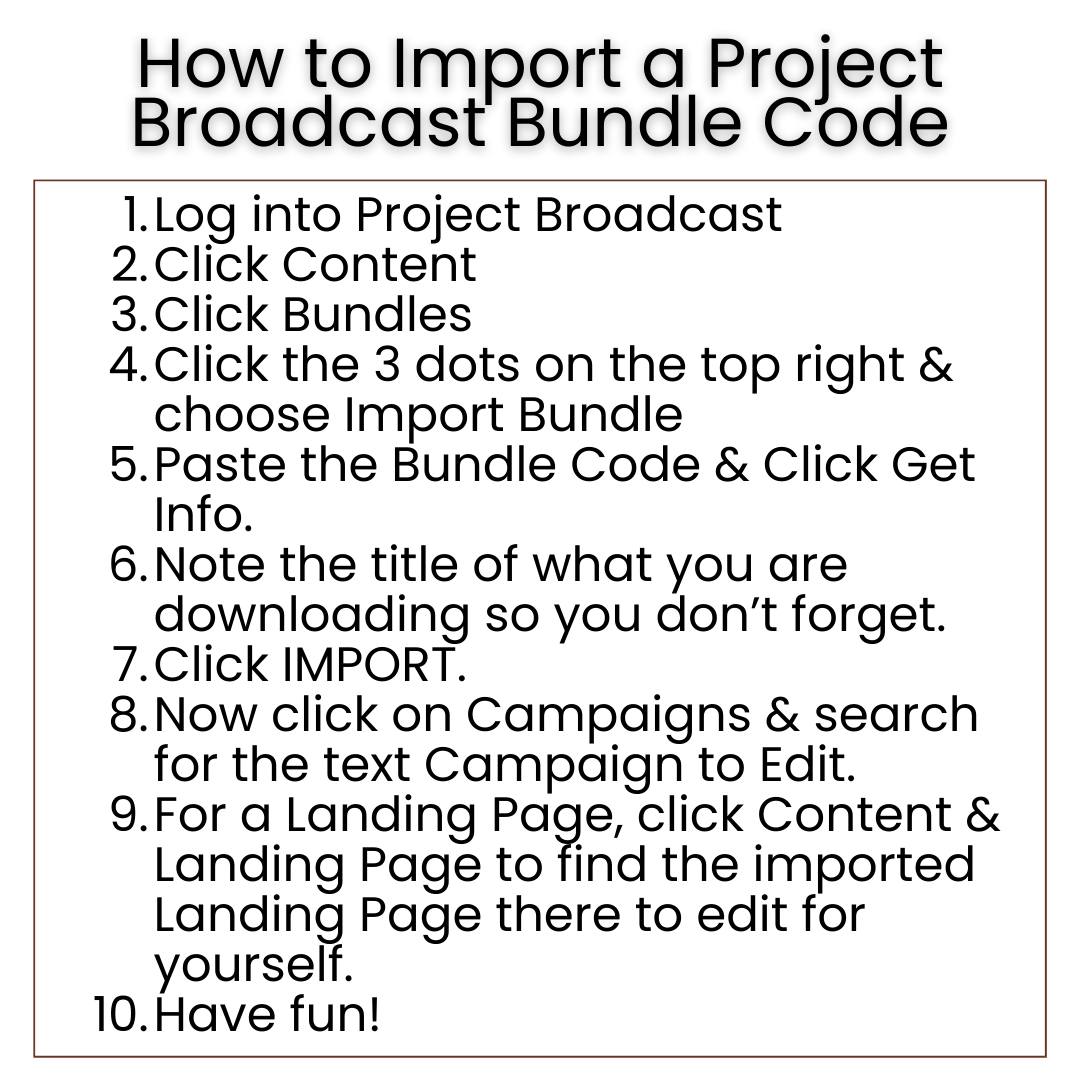
HOW TO USE Custom Fields in this Project Broadcast Countdown Campaign
Here are custom Fields used in this Host Coaching:
: Date & time of Party
: Facebook Group Link
: Party/Shopping LInk
Add these links under Audience>Contact> Edit contact> Custom Fields and they will autopopulate into the text messages after you add your Host/contact to the Campaign.
USE POST MY PARTY to AUTOMATE YOUR HOST COACHING!
Use this template and schedule it into a messenger GROUP: https://newapp.postmyparty.com/shared-template?shareCode=221C3758613B4E5591649882F076B456
HOST checklist EDIT HERE:
- Host Party Checklist: https://www.canva.com/design/DAGVnfzi_Xg/hhipSq9PlQvh-yqSR54jbg/view?utm_content=DAGVnfzi_Xg&utm_campaign=designshare&utm_medium=link&utm_source=publishsharelink&mode=preview
HOW TO CREATE a MESSENGER GROUP!
HOW TO SCHEDULE PMP into a Messenger Group. Use the URL at the TOP of the MESSENGER GROUP to schedule into PMP! Do not use the m.me sharing link when scheduling into pmp.