Your Rank Advancement Checklist
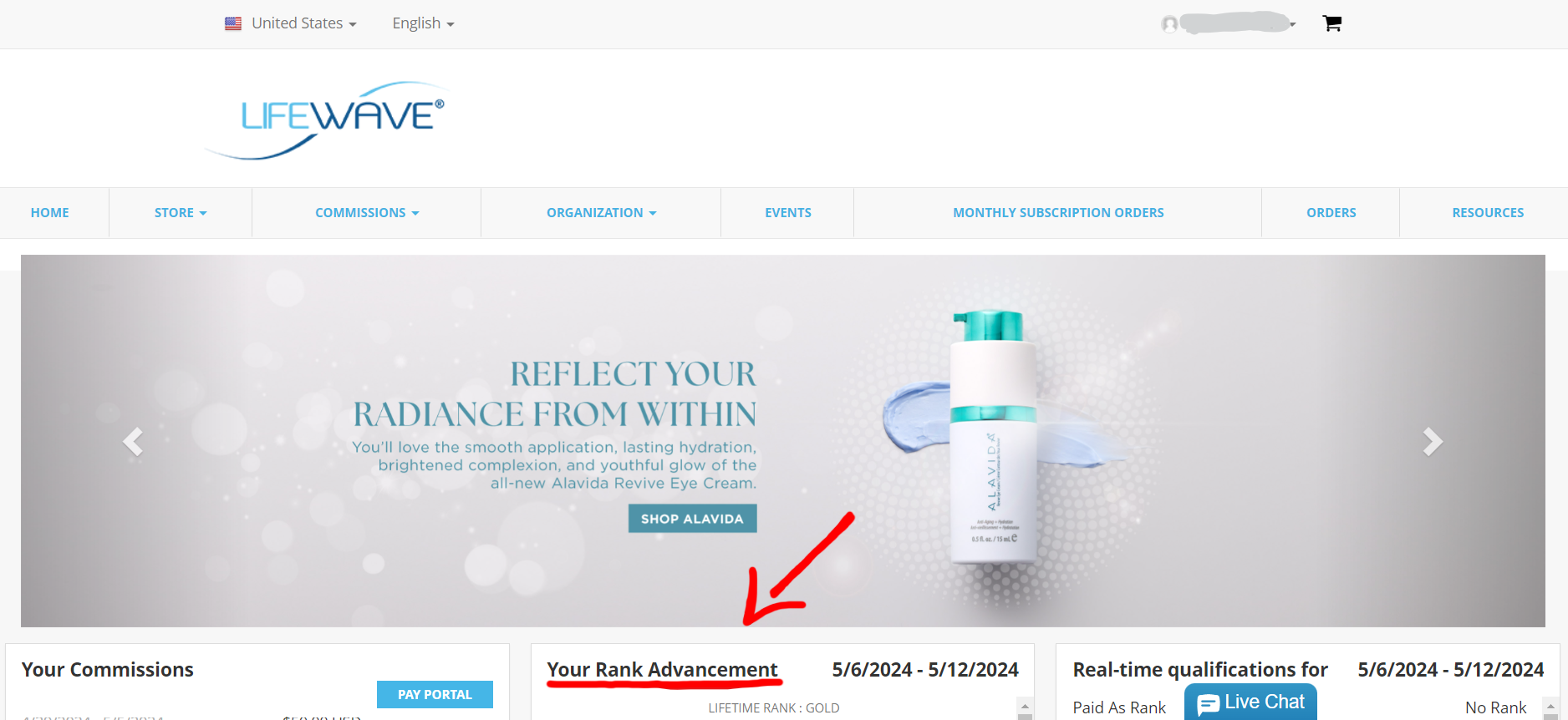
Go to LifeWave.com and log in
Once you log in to your back office, see "Your Rank Advancement" and scroll down
Click on any of the photos
to see them in full view!
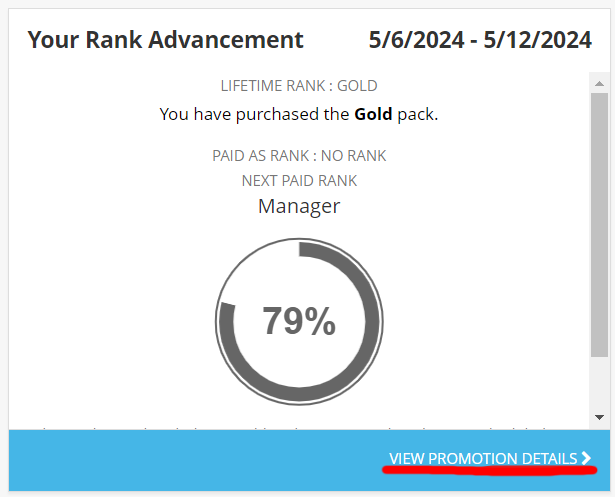
Click "View Promotion Details"
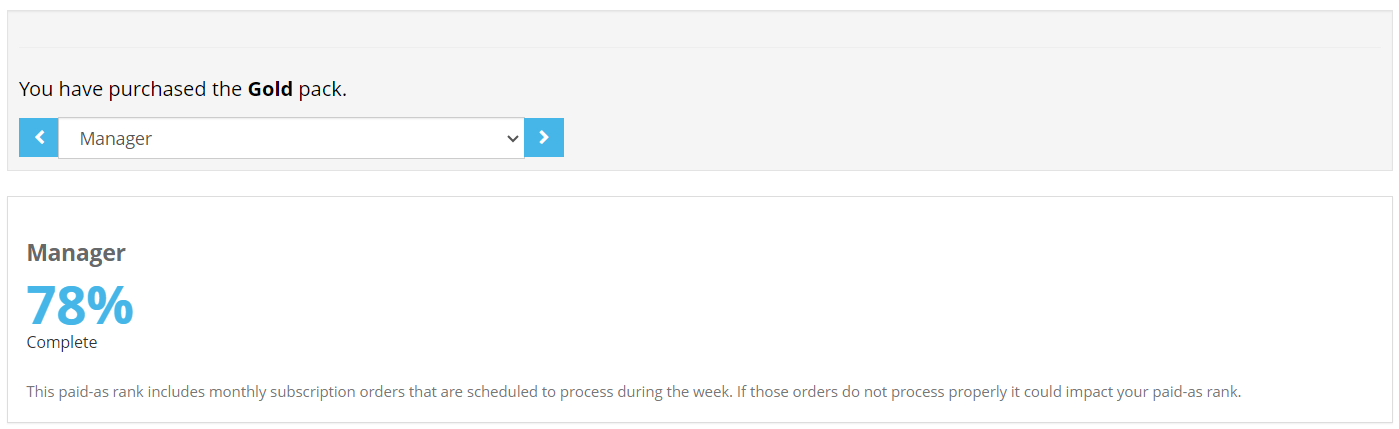
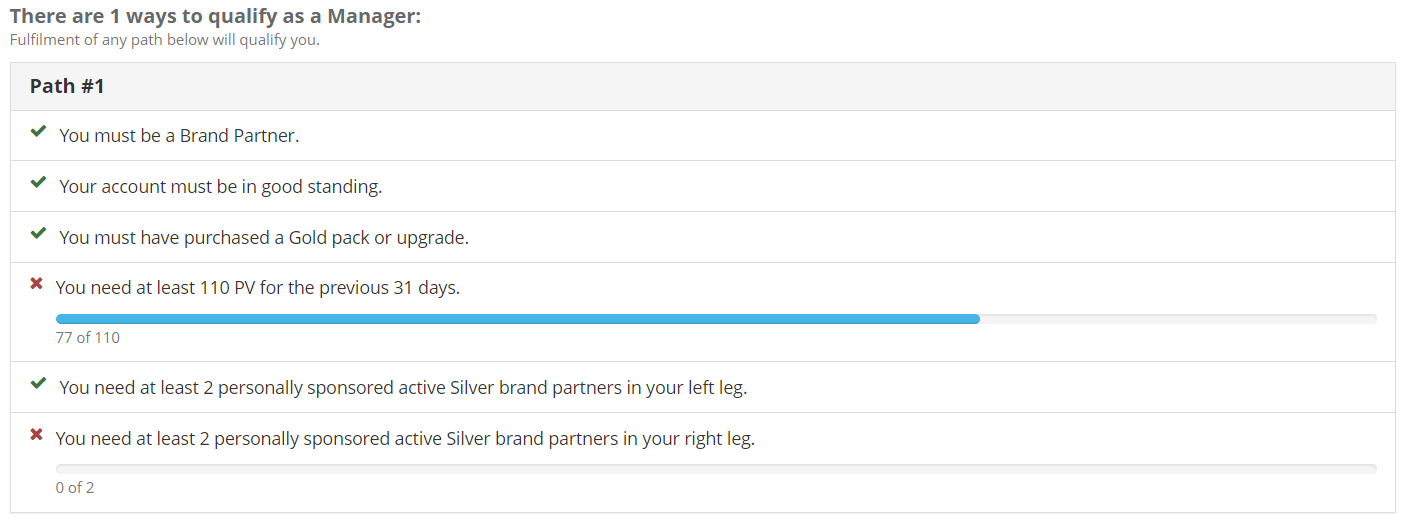
Scroll down and you should see something similar to the photos below.
Here you can see how close you are to the next level, and a checklist of what you can do to advance. You can also click the blue arrows on either side of where it says "Manager" (or the rank that yours says) to see how close you are to advancing to the other ranks.